py-pyside
Build Beautiful GUIs with Python (PySide) and Qt framework


✨ About this project
This repository is your complete guide to building sleek, modern graphical user interfaces with Python (PySide) and Qt framework. Whether you’re a beginner or an experienced developer, you’ll find practical tutorials, tips, and real code examples to level up your projects.
If this content has helped you, please consider making a donation. Your support makes a real difference and helps the project grow! 💙
🛠 Technologies used


👨💻 Author
Crafted with 💙 by Renato Cruz. Got questions or feedback? Reach out anytime!

What I’m listening to while I code or study 😎🎵:

💝 Support This Project
Your donation keeps this project alive and helps me continue creating and sharing useful content.
GitHub Sponsors
https://github.com/sponsors/natorsc/
Pix (Brazil)
b1839493-2afe-484d-9272-82a3e402b36f
💡 Extra
Qt
Kirigami
KDE
Softwares
PySide6
Main commands:
pyside6-android-deploy.pyside6-assistant.pyside6-balsam.pyside6-balsamui.pyside6-deploy.pyside6-designer.pyside6-genpyi.pyside6-linguist.pyside6-lrelease.pyside6-lupdate.pyside6-metaobjectdump.pyside6-project.pyside6-qml.pyside6-qmlcachegen.pyside6-qmlformat.pyside6-qmlimportscanner.pyside6-qmllint.pyside6-qmlls.pyside6-qmltyperegistrar.pyside6-qsb.pyside6-qtpy2cpp.pyside6-rcc.pyside6-svgtoqml.pyside6-uic.
Flatpak
Pip generator
PySide6
flatpak install org.kde.Platform/x86_64/6.9 org.kde.Sdk/x86_64/6.9
Example:
{
  "id": "com.github.natorsc.AppName",
  "runtime": "org.kde.Platform",
  "runtime-version": "6.9",
  "sdk": "org.kde.Sdk",
  "base": "io.qt.PySide.BaseApp",
  "base-version": "6.9",
  "command": "app-name",
  "cleanup-commands": [
    "- /app/cleanup-BaseApp.sh"
  ],
  "finish-args": [
    "--share=ipc",
    "--socket=wayland",
    "--socket=x11",
    "--socket=pulseaudio",
    "--device=dri"
  ],
  "modules": [
    {
      "name": "app-name",
      "buildsystem": "simple",
      "build-commands": [
        "pip3 install --verbose --exists-action=i --no-index --find-links=\"file://${PWD}\" --prefix=${FLATPAK_DEST} \"app_name\" --no-build-isolation"
      ],
      "sources": [
        {
          "type": "file",
          "path": "./dist/app_name-0.1.0-py3-none-any.whl"
        }
      ]
    }
  ]
}
PyQt6
Example:
{
  "id": "com.github.natorsc.AppName",
  "runtime": "org.kde.Platform",
  "runtime-version": "6.9",
  "sdk": "org.kde.Sdk",
  "base": "com.riverbankcomputing.PyQt.BaseApp",
  "base-version": "6.9",
  "command": "app-name",
  "cleanup-commands": [
    "- /app/cleanup-BaseApp.sh"
  ],
  "finish-args": [
    "--share=ipc",
    "--socket=wayland",
    "--socket=x11",
    "--socket=pulseaudio",
    "--device=dri"
  ],
  "modules": [
    {
      "name": "app-name",
      "buildsystem": "simple",
      "build-commands": [
        "pip3 install --verbose --exists-action=i --no-index --find-links=\"file://${PWD}\" --prefix=${FLATPAK_DEST} \"app_name\" --no-build-isolation"
      ],
      "sources": [
        {
          "type": "file",
          "path": "./dist/app_name-0.1.0-py3-none-any.whl"
        }
      ]
    }
  ]
}
Github actions
If necessary, create a file for each operating system.
name: Deploying PySide6 with Nuitka ⚙️.
on:
  push:
    branches: ['main']
  workflow_dispatch:

permissions:
  contents: read
  pages: write
  id-token: write

concurrency:
  group: 'deploy'
  cancel-in-progress: true

jobs:
  build:
    strategy:
      matrix:
        os: [ubuntu-latest, macos-latest, windows-latest]
    runs-on: '$'
    steps:
      - name: Check out repository 💾.
        uses: actions/checkout@v5

      - name: Install Python 🐍.
        uses: actions/setup-python@v5
        with:
            python-version: '3.11'
            architecture: 'x64'
            cache: 'pip'
            cache-dependency-path: |
              **/requirements*.txt

      - name: Install requirements 🔨.
        working-directory: .
        run: python -m pip install --upgrade pip && pip install -r requirements.txt

      - name: Install and configure Nuitka 🛠️.
        uses: Nuitka/Nuitka-Action@main
        with:
          nuitka-version: main
          script-name: path/to/the/script.py
          enable-plugins: pyside6
          quiet: true
          standalone: true
          disable-console: true
          macos-create-app-bundle: true
          output-file: nome-do-aplicativo
          linux-icon: path/to/the/icon.ico
          windows-icon-from-ico: path/to/the/icon.ico
          macos-app-icon: path/to/the/con.icns
          macos-app-name: nome-do-aplicativo

      - name: Upload artifact (onefile) 🚀.
        uses: actions/upload-artifact@v4
        with:
          name: '$-build'
          path: |
            build/app.dist
            build/*.exe
            build/*.bin
            build/*.app/**/*
QtSql
QSQLITE (SQLite3)
QPSQL (PostgreSQL)
Arch Linux
sudo pacman -S \
postgresql-libs
QMARIADB (MariaDB)
Arch Linux
sudo pacman -S \
mariadb-libs
QMYSQL (MySQL)
Arch Linux
sudo pacman -S \
mariadb-libs
KDE Kirigami
Kirigami is a KDE UI (User Interface) framework designed to make it easier to create convergent and responsive applications.
The Kirigami framework cannot be used within virtual environments (venv, poetry, pdm, uv, etc).
Dependências
Arch Linux
sudo pacman -S \
python-lsp-server \
pyside6 \
kirigami \
flatpak-builder \
qqc2-desktop-style \
appstream
PyQt6:
sudo pacman -S python-pyqt6.
Fedora
sudo dnf install \
python3-lsp-server \
python3-pyside6 \
kf6-kirigami-devel \
flatpak-builder \
qqc2-desktop-style \
appstream-compose
PyQt6:
sudo dnf install python3-pyqt6.
openSuse
sudo zypper install \
python3-qt6 \
python3-pyside6 \
kf6-kirigami-devel \
flatpak-builder \
qqc2-desktop-style \
AppStream-compose
PyQt6:
sudo zypper install python-PyQt6.
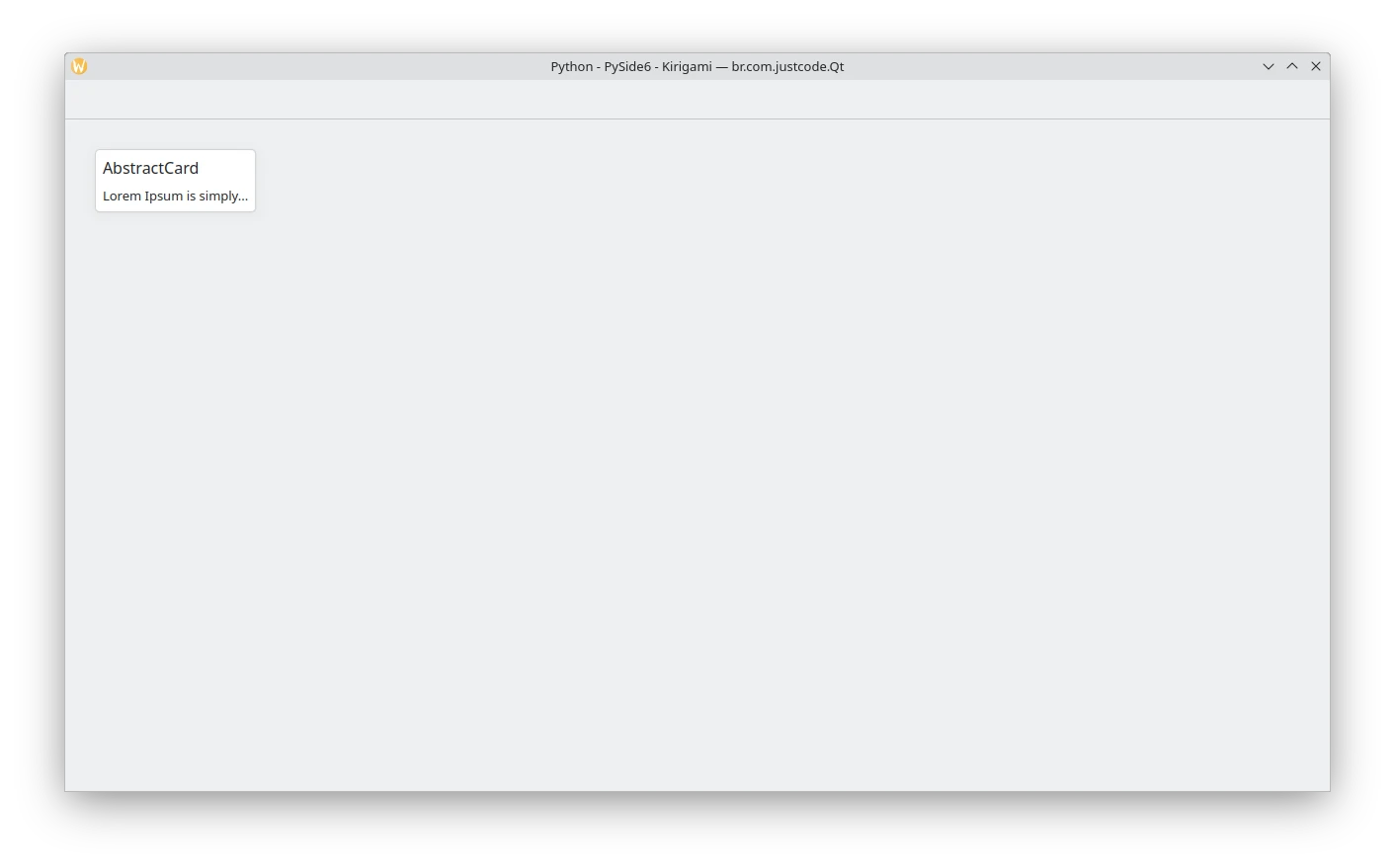
Abstract card
Code:
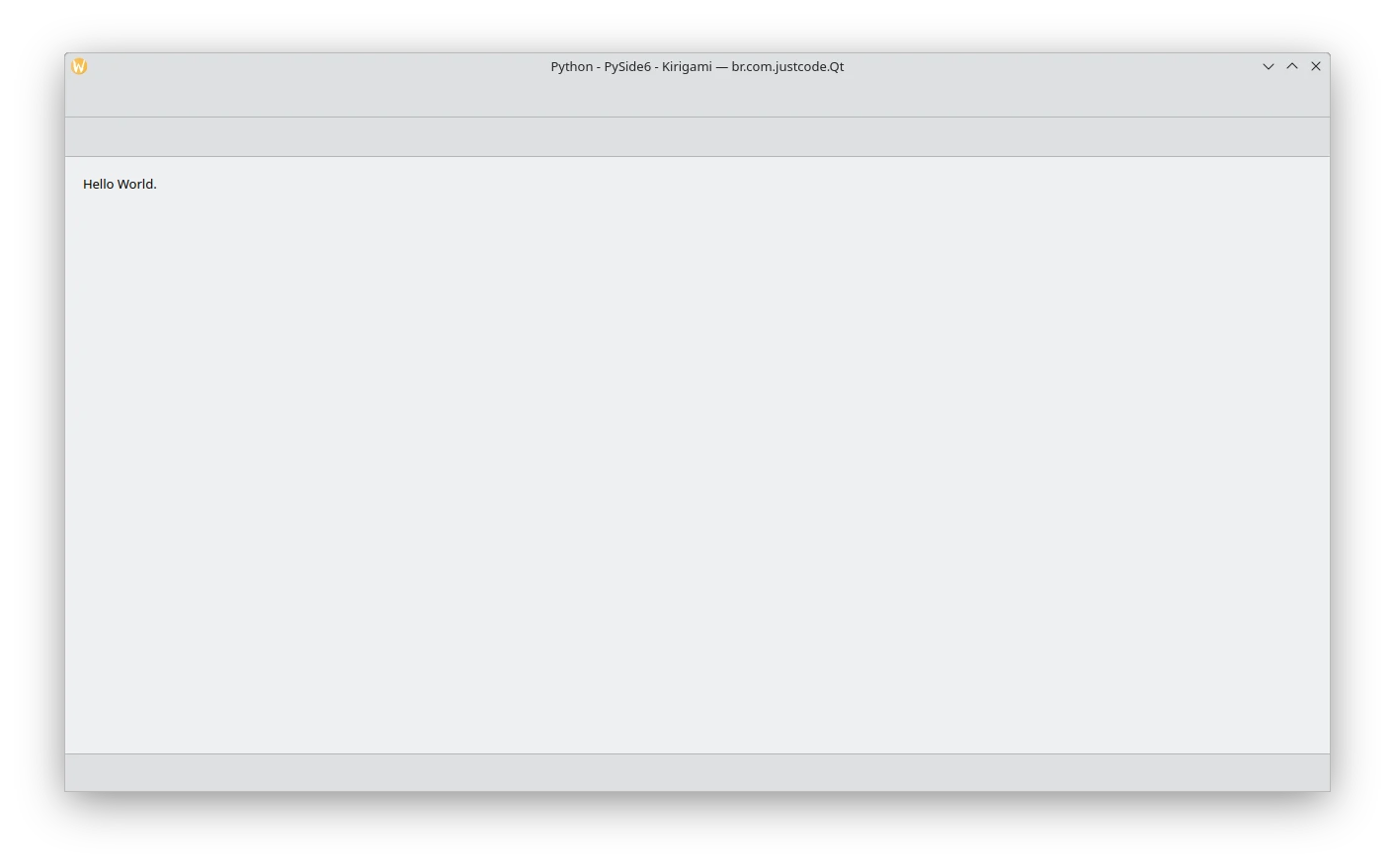
Application window
Code:
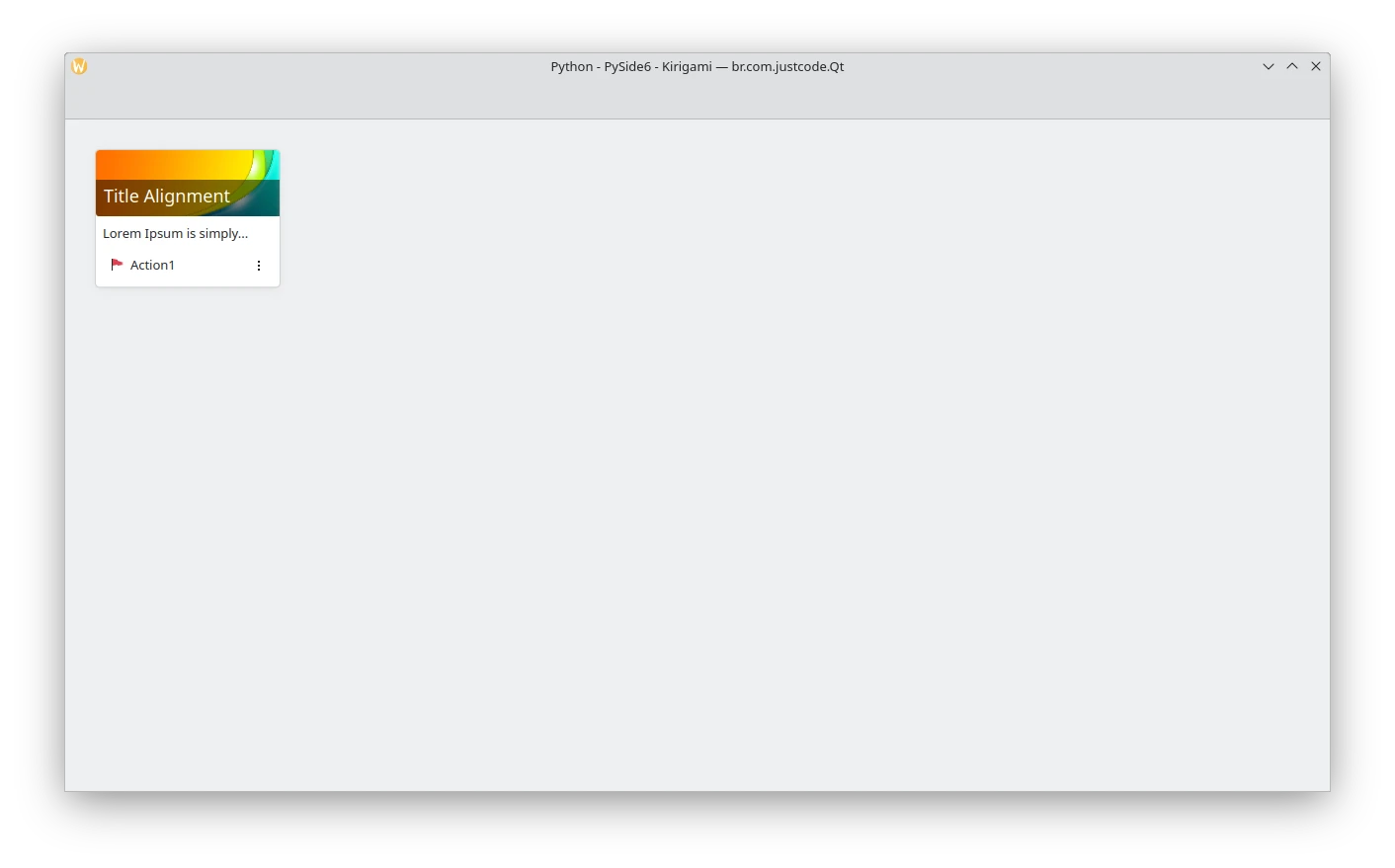
Card
Code:
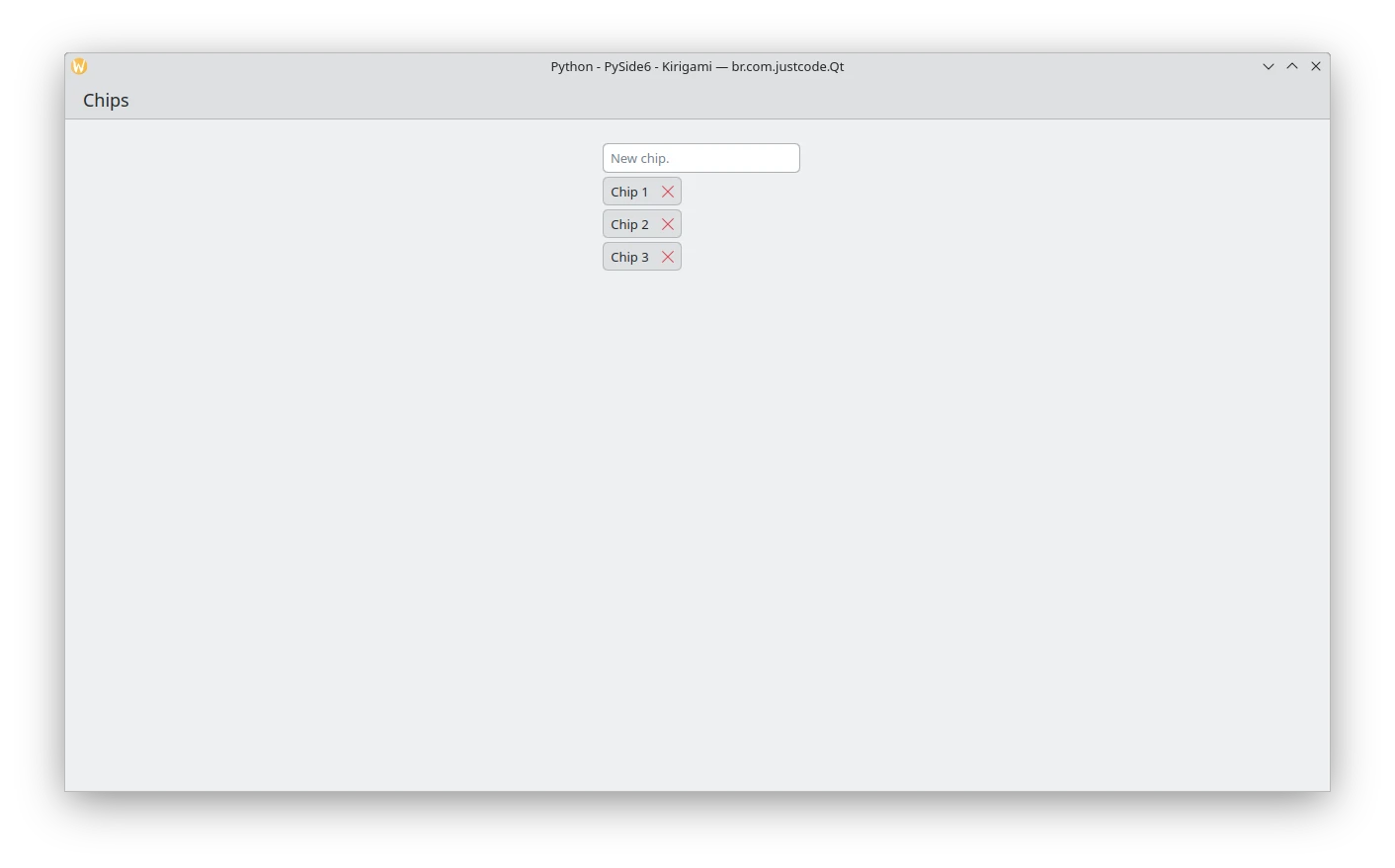
Chips
Code:
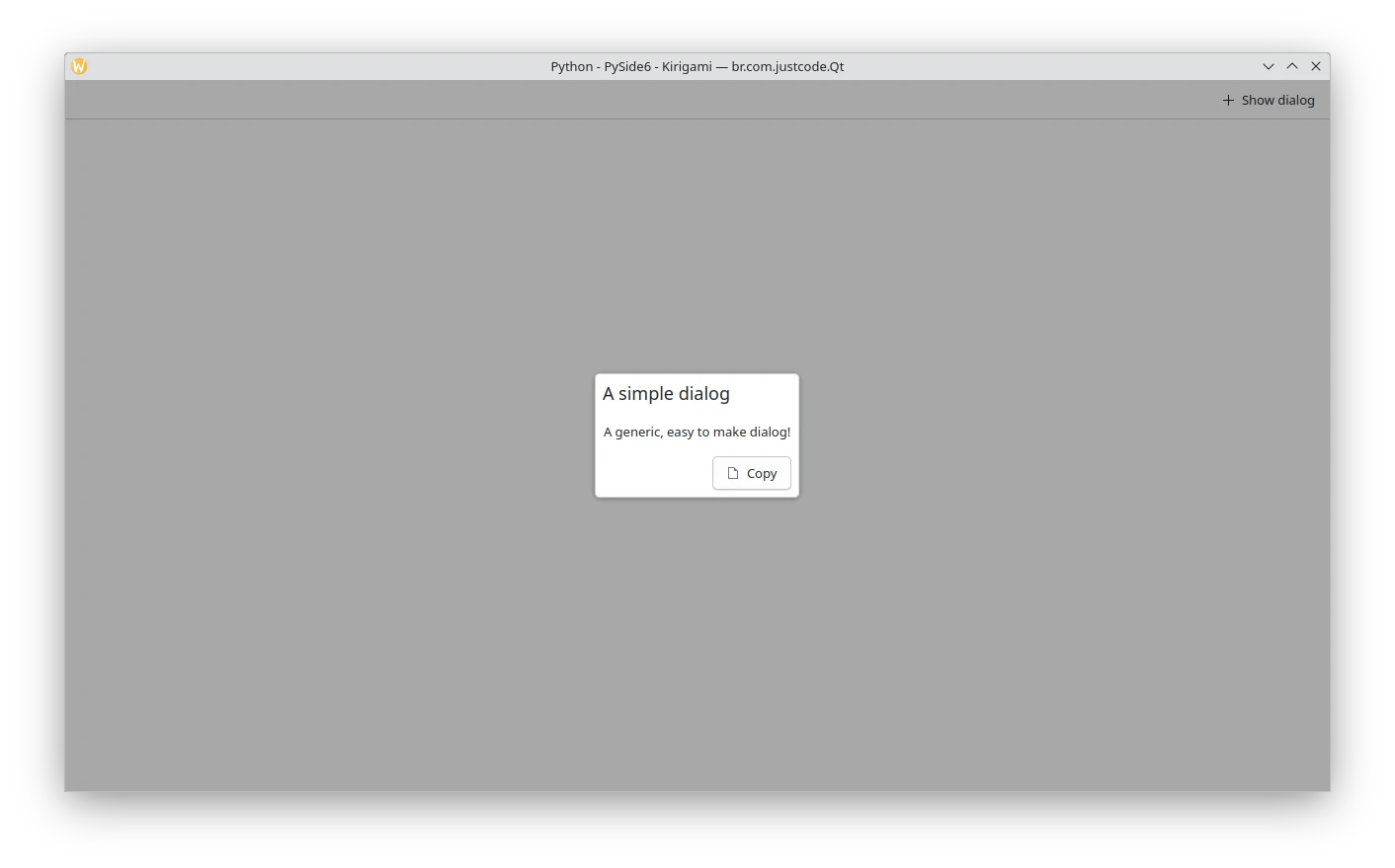
Dialog
Code:
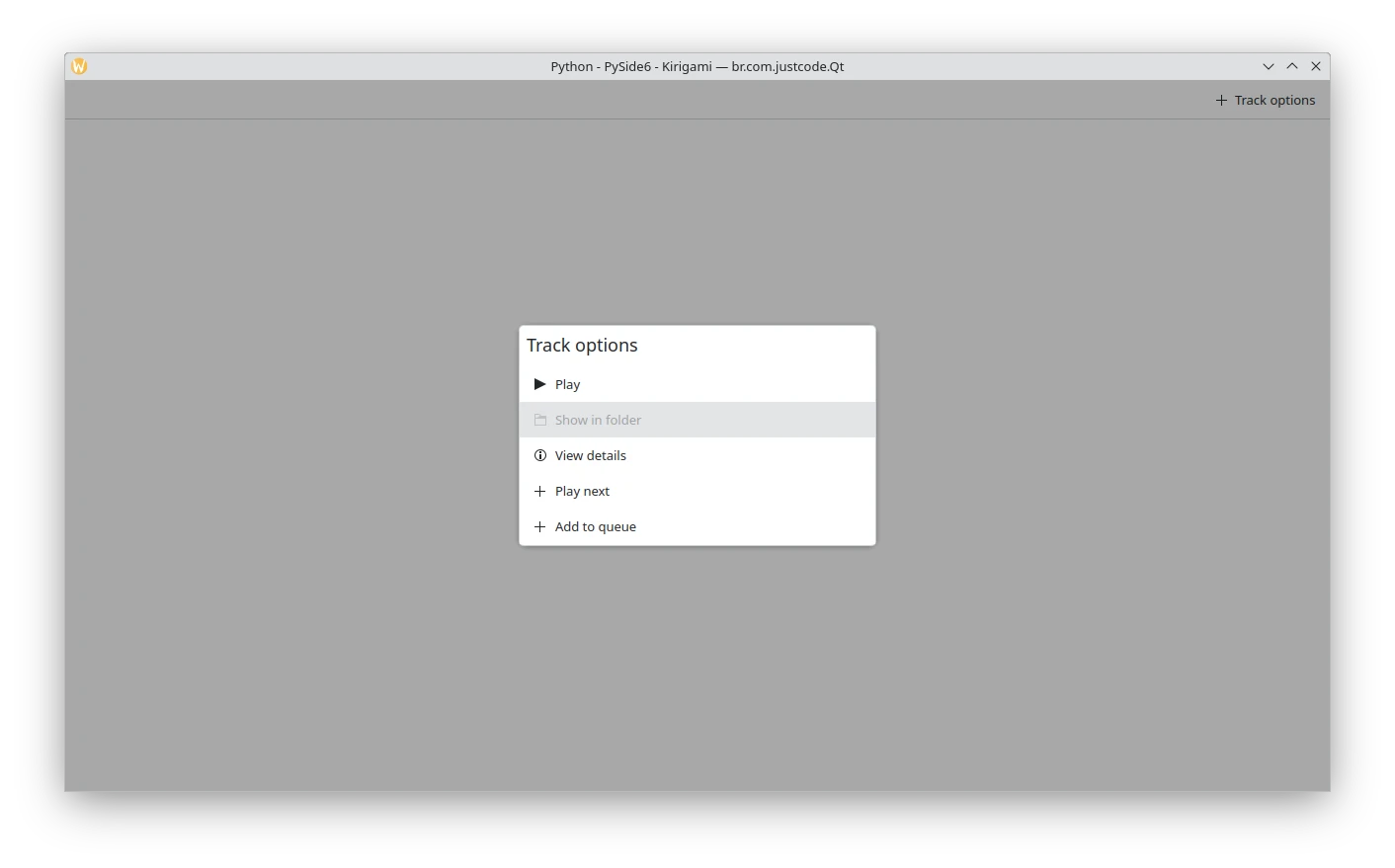
Dialog menu
Code:
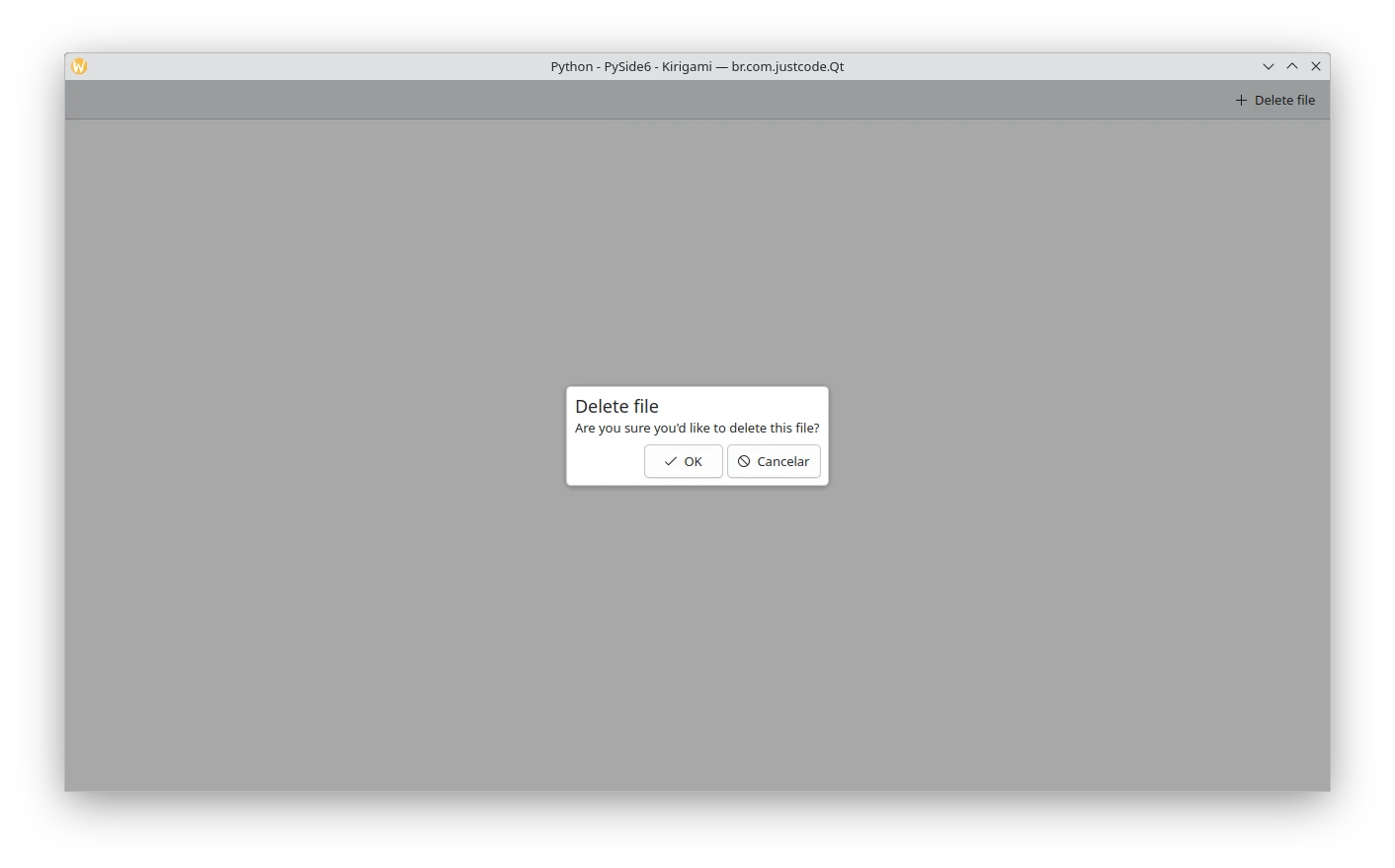
Dialog prompt
Code:
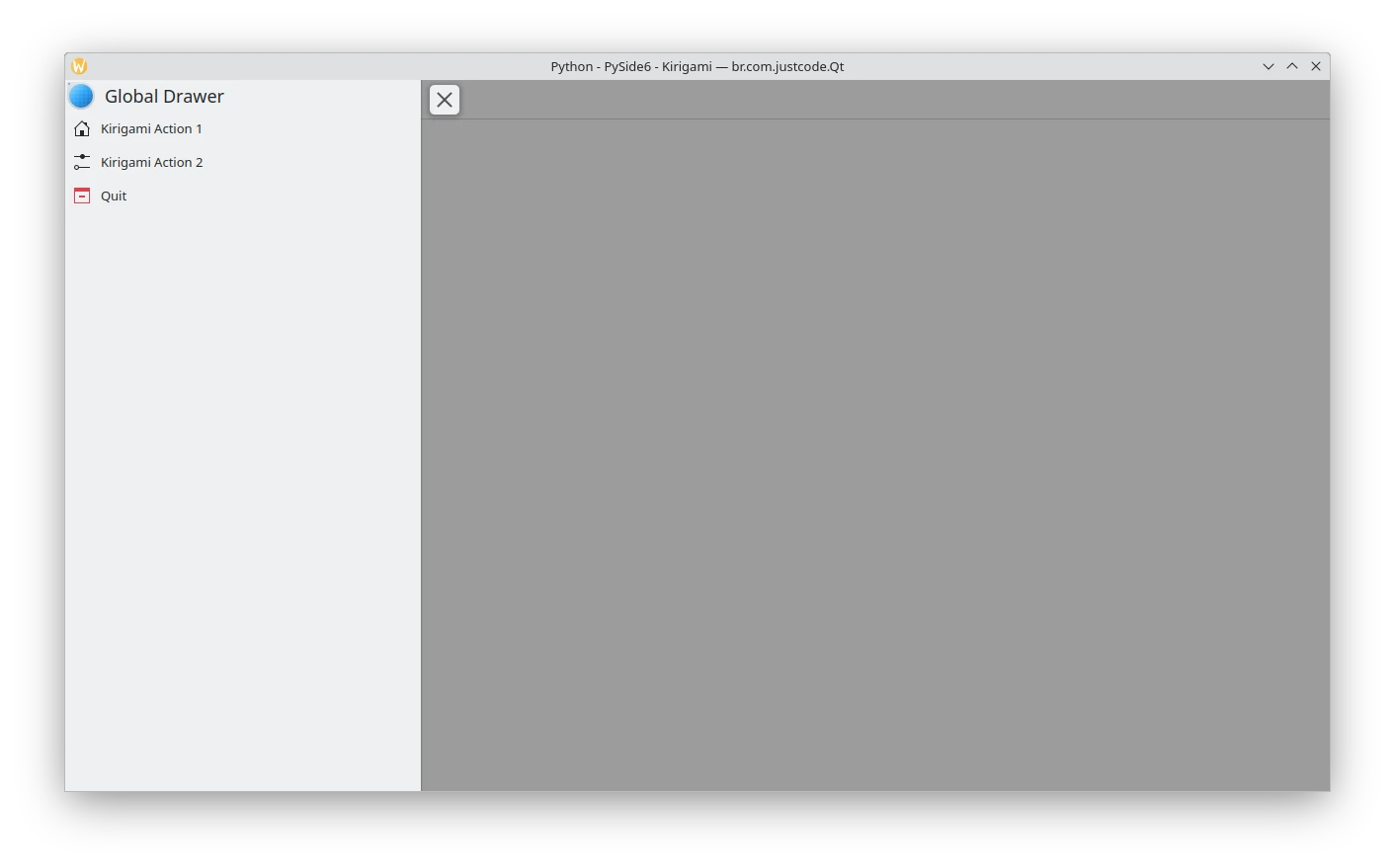
Global drawer
Code:
Global drawer context
ToDo.

Code:
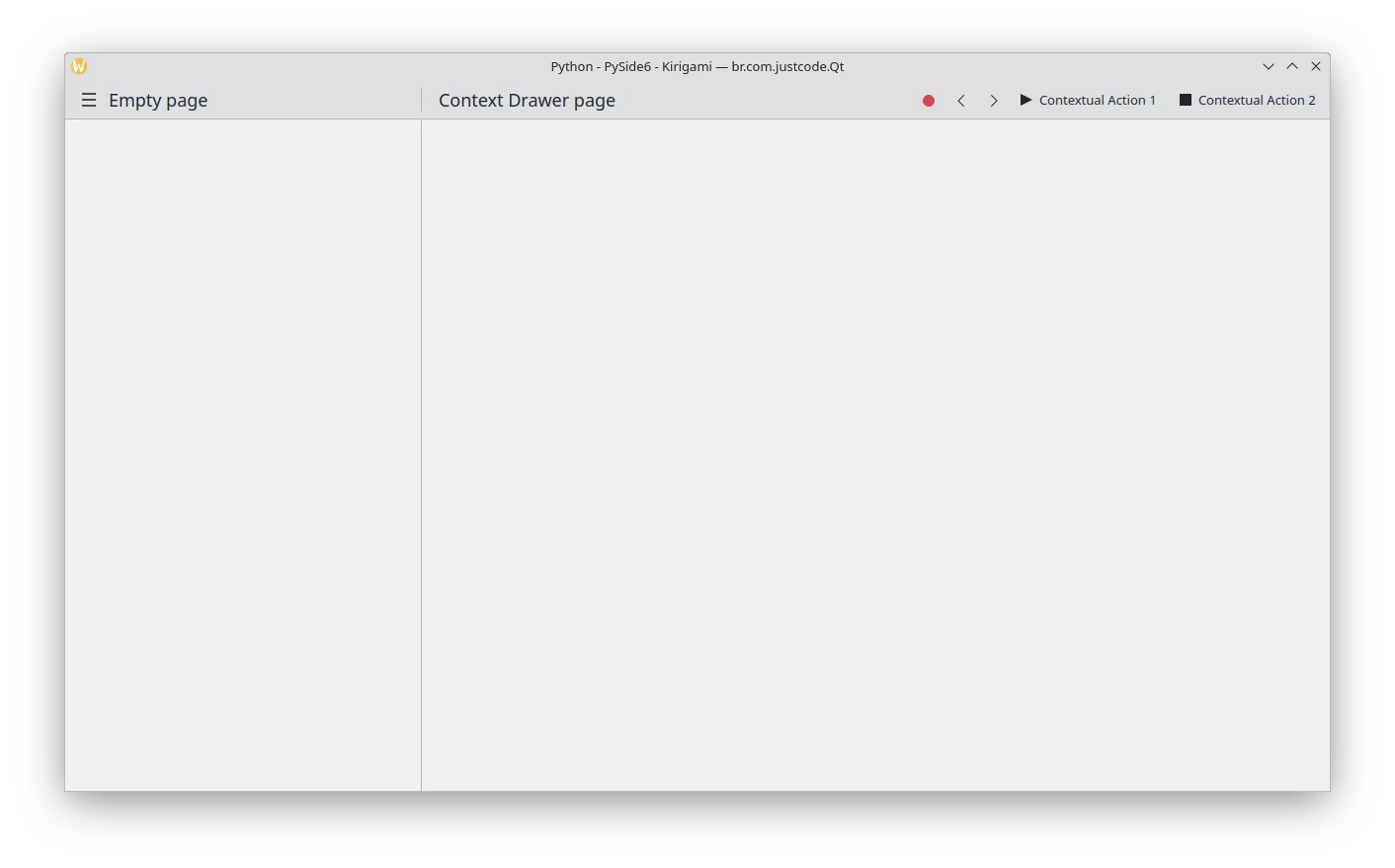
Global drawer desktop
Code:
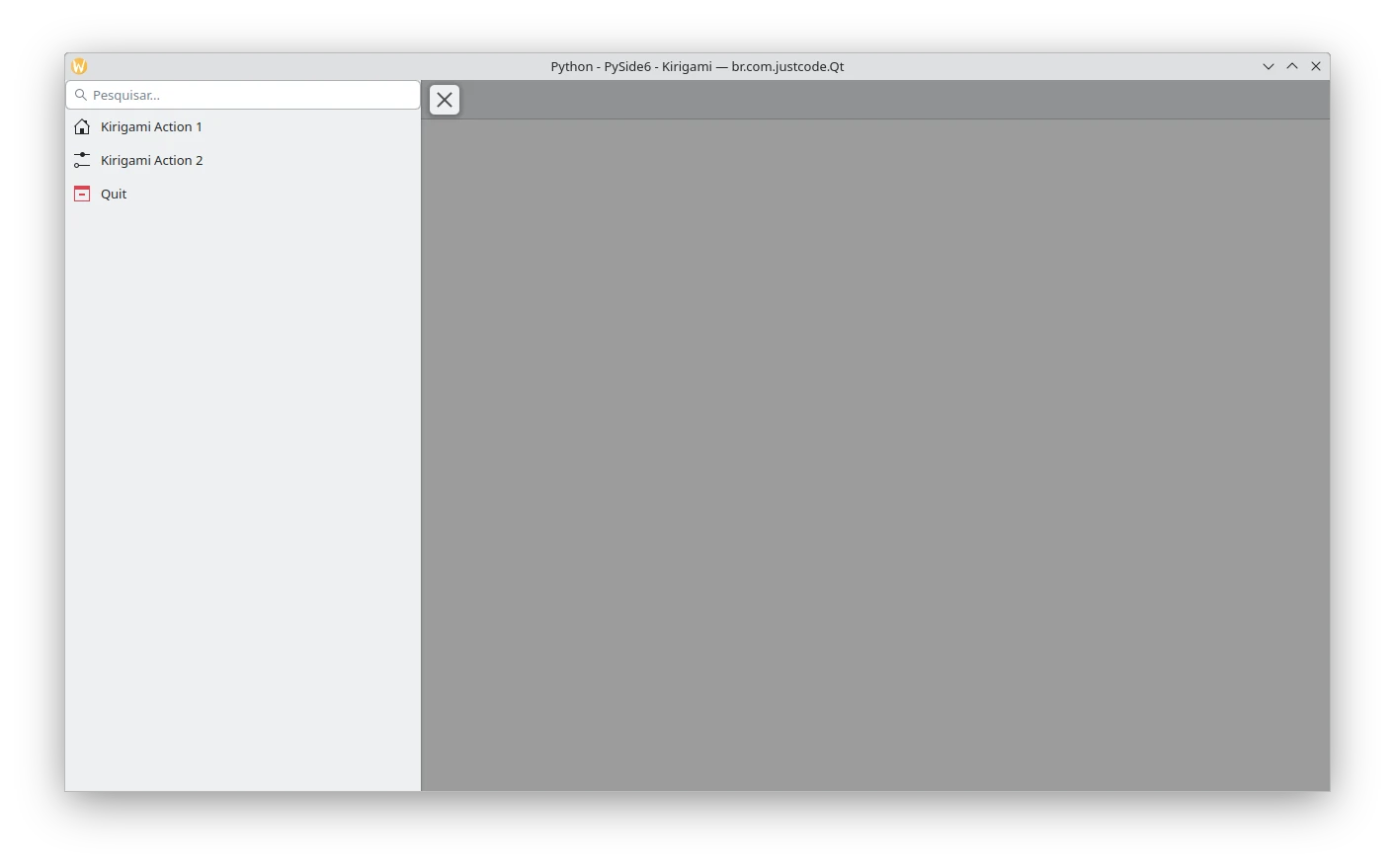
Global drawer header
Code:
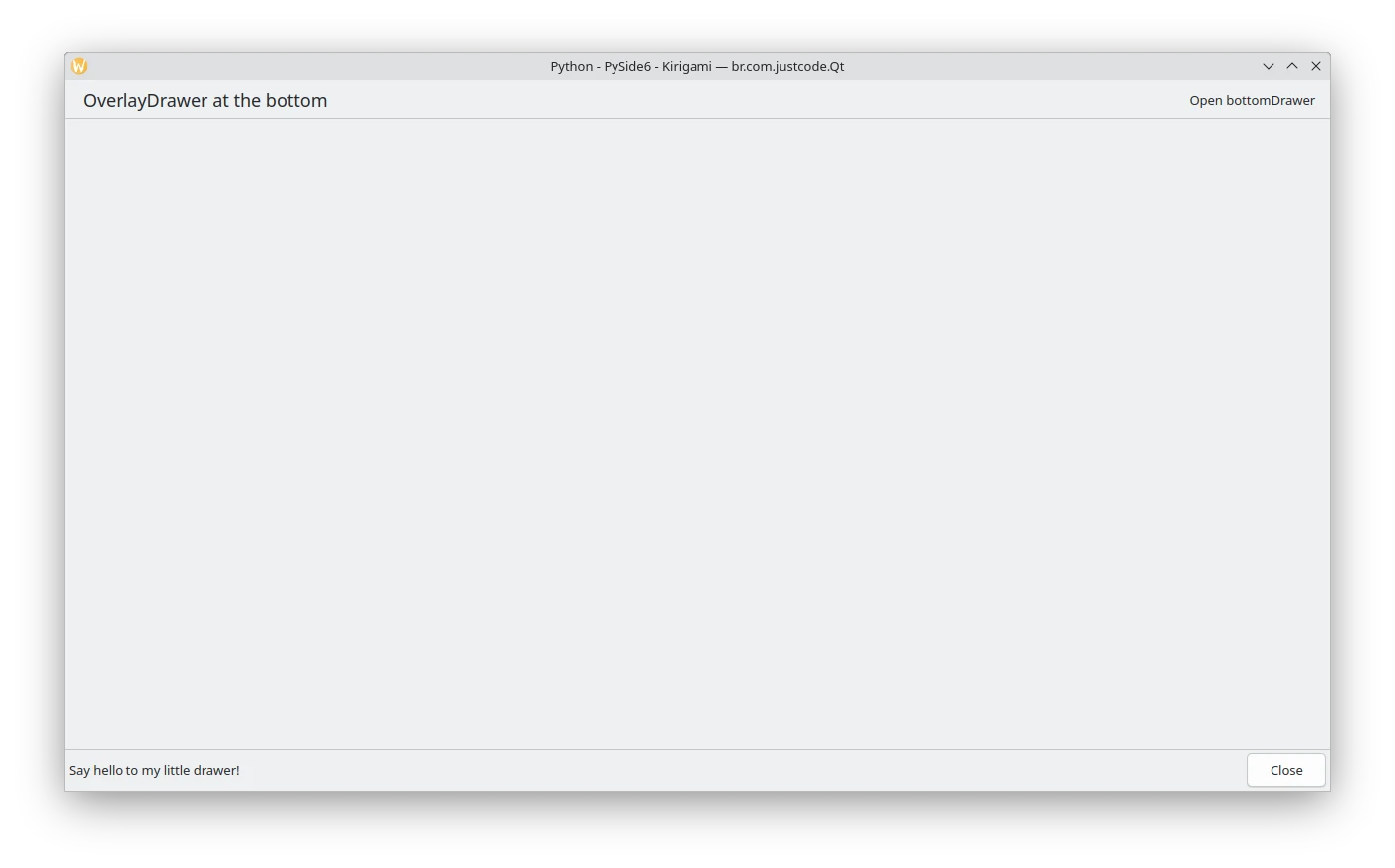
Overlay drawer
Code:
Qt Quick
Application window
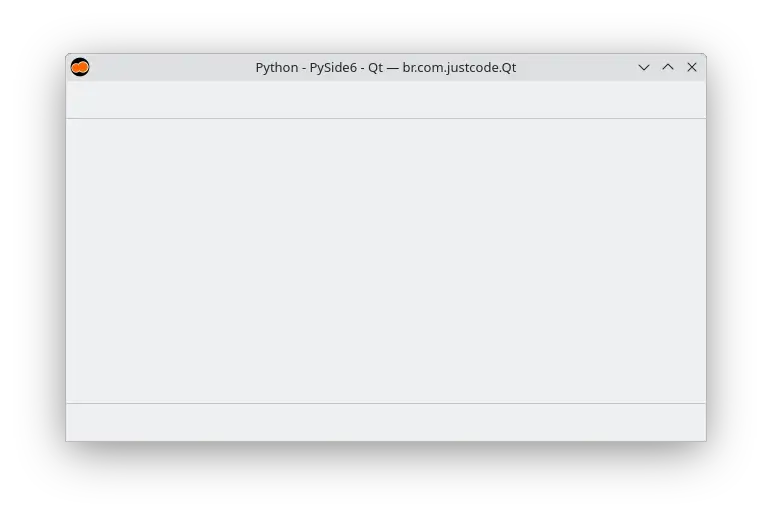
Code:
Busy indicator
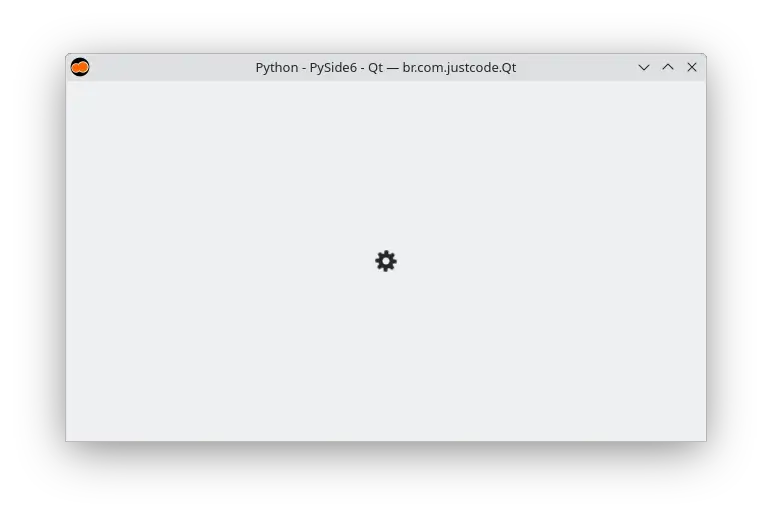
Code:
Button
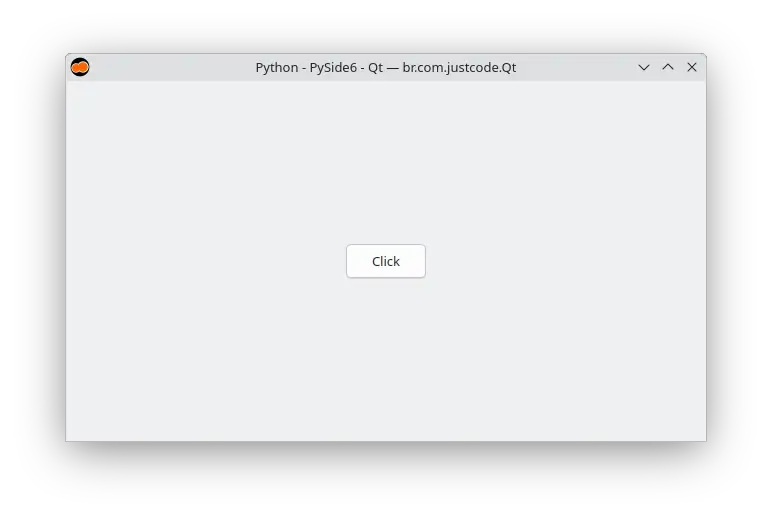
Code:
Button group
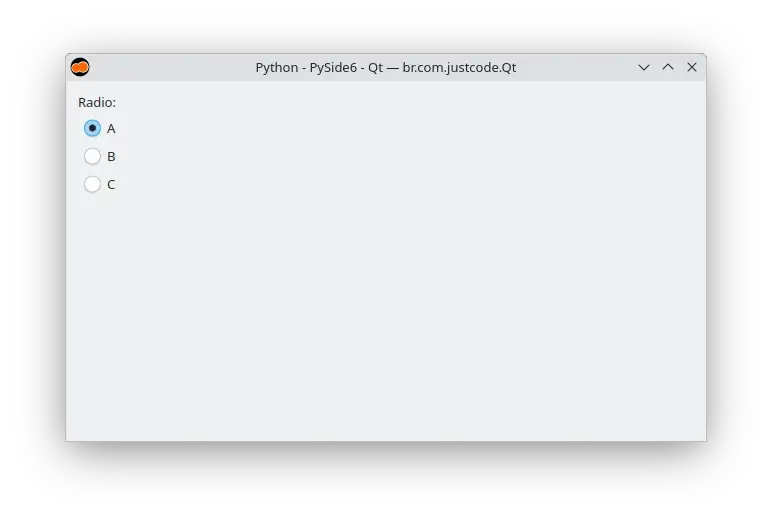
Code:
Charts
Arch Linux:
sudo pacman -S \
qt6-charts
Fedora:
sudo dnf install \
qt6-charts
Ubuntu 25.04:
sudo apt install \
qml6-module-qtcharts
Area series
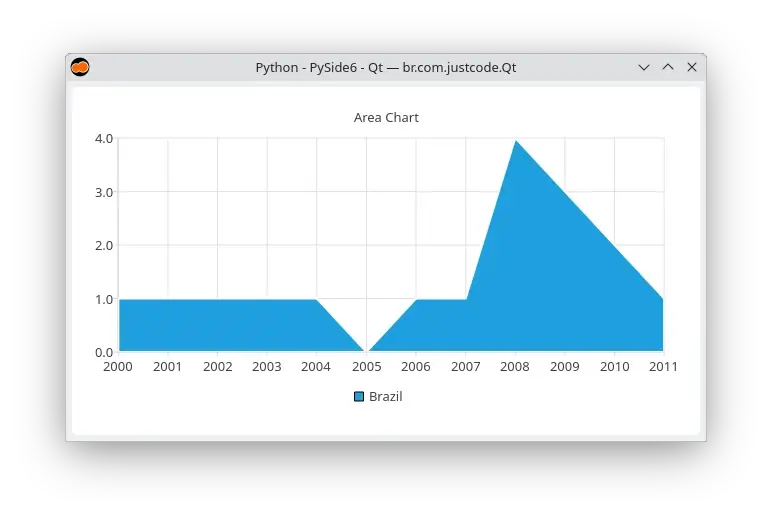
Code:
Bar series
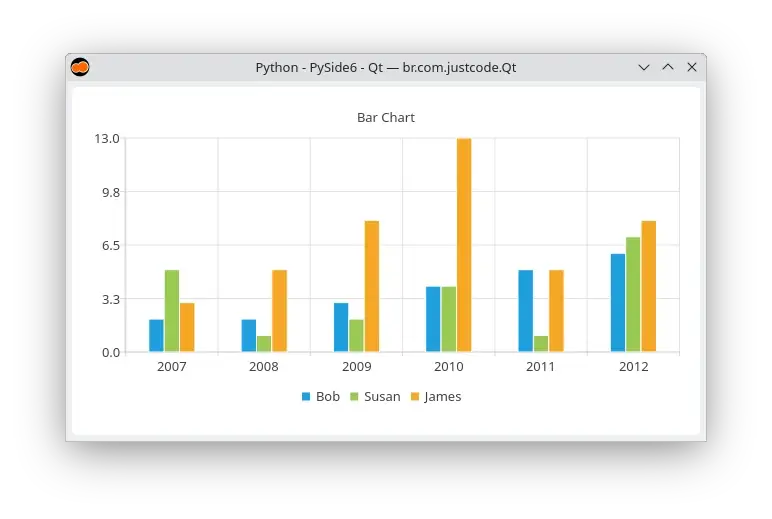
Code:
Horizontal bar series
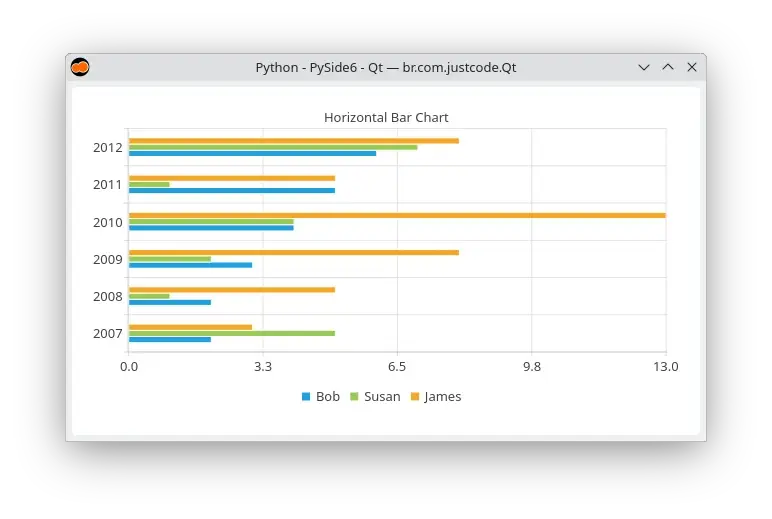
Code:
Horizontal percent bar series
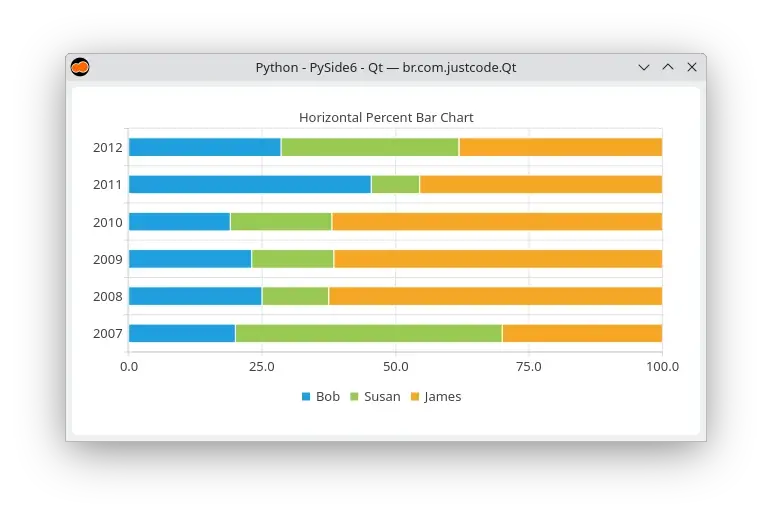
Code:
Horizontal stacked bar series
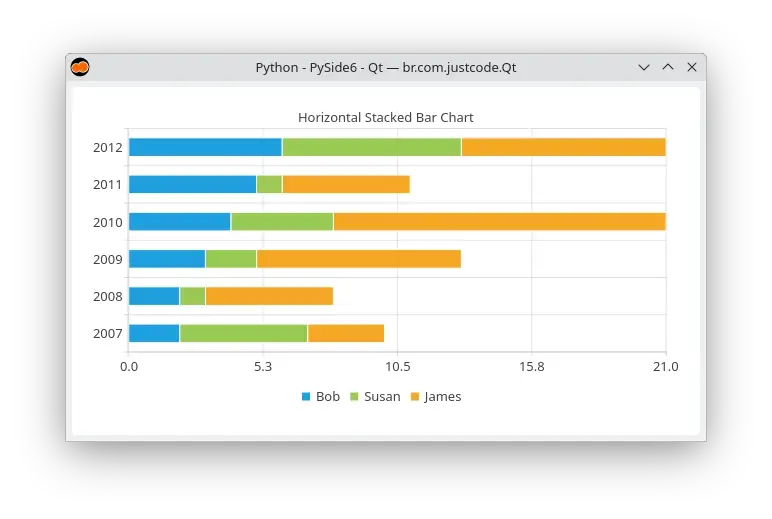
Code:
Line series
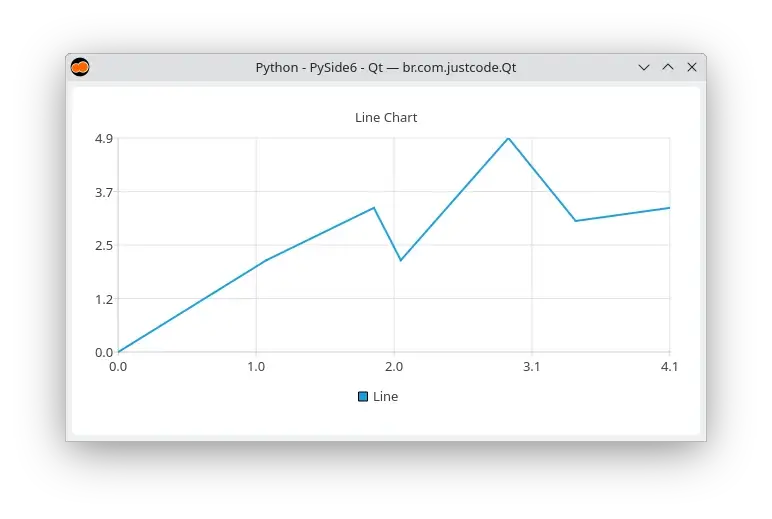
Code:
Percent bar series
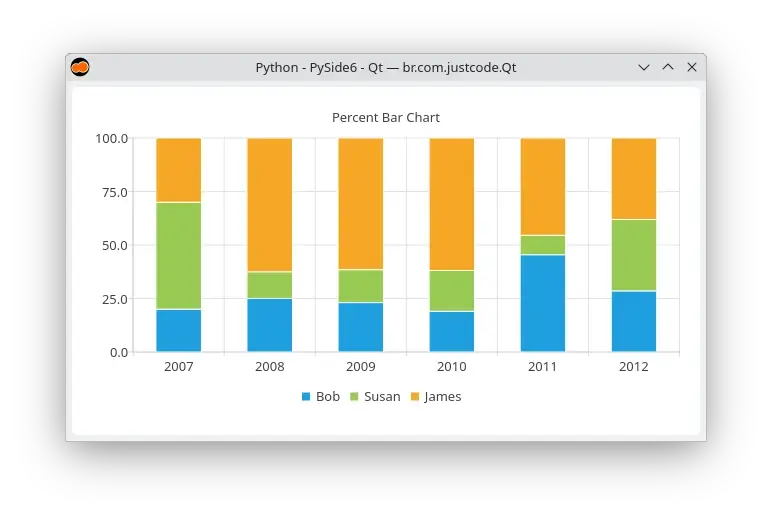
Code:
Pie donut series
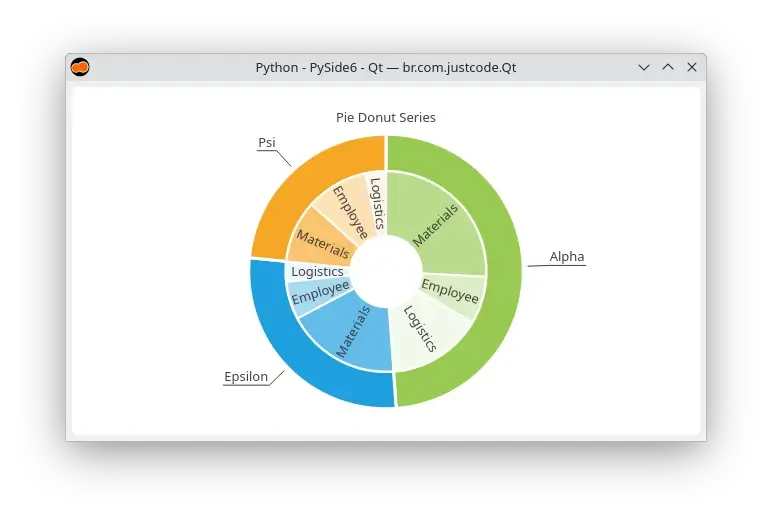
Code:
Pie series
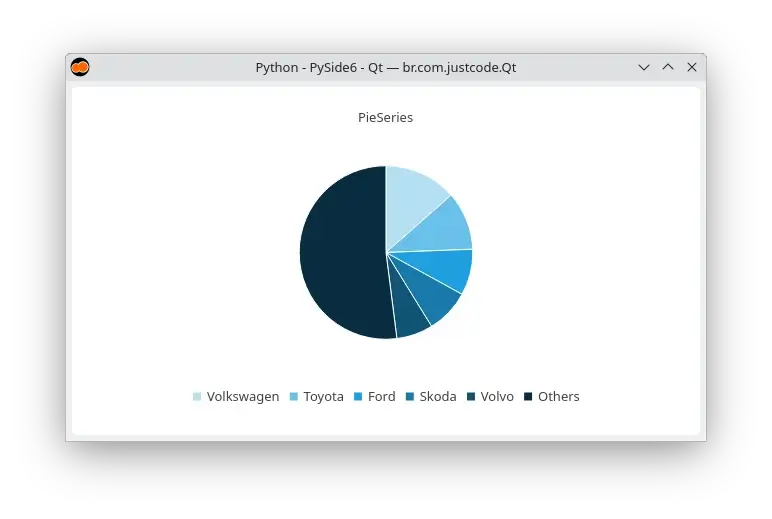
Code:
Scatter series
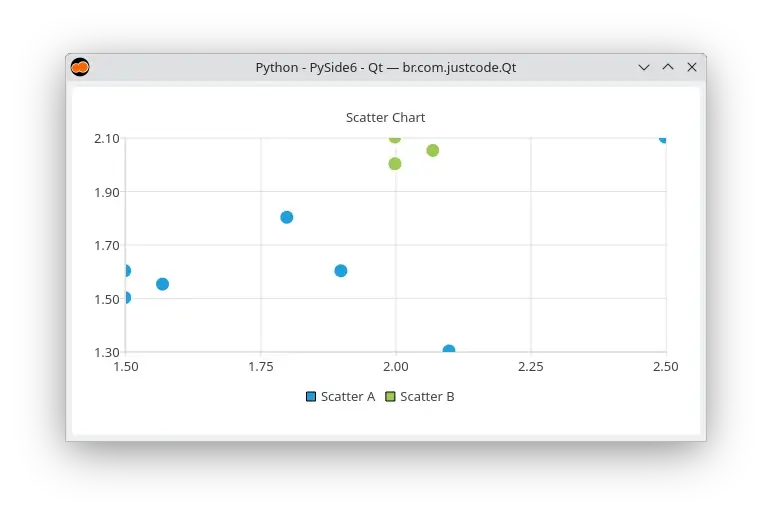
Code:
Spline series
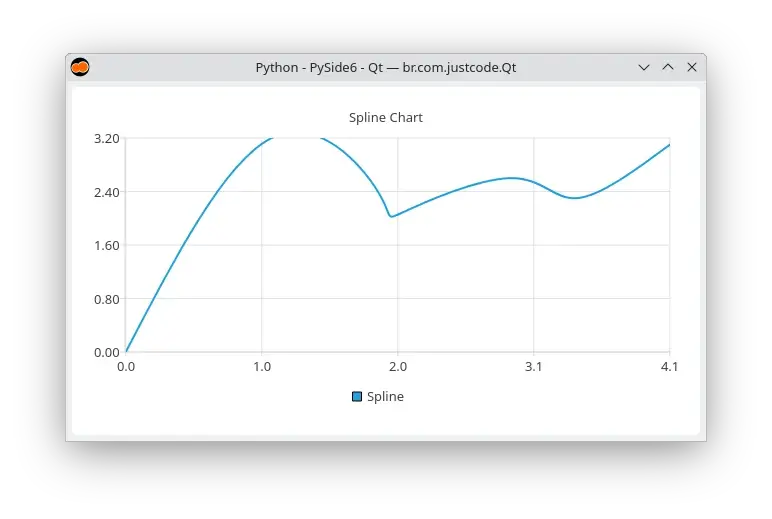
Code:
Stacked bar series
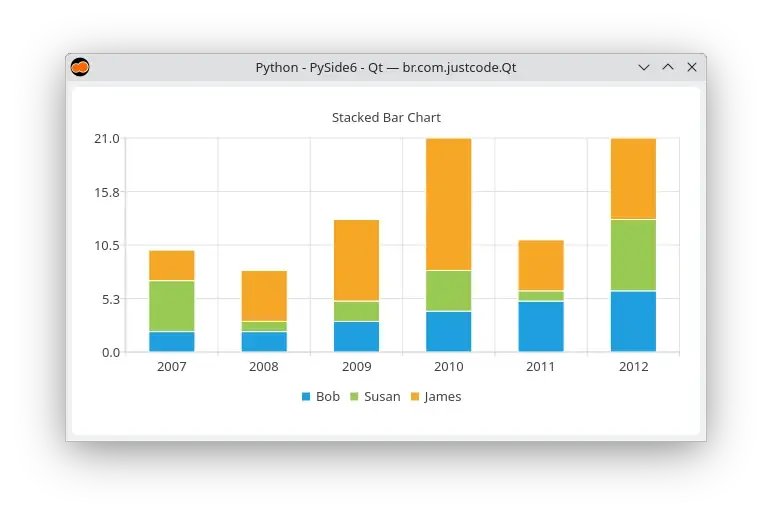
Code:
Check box
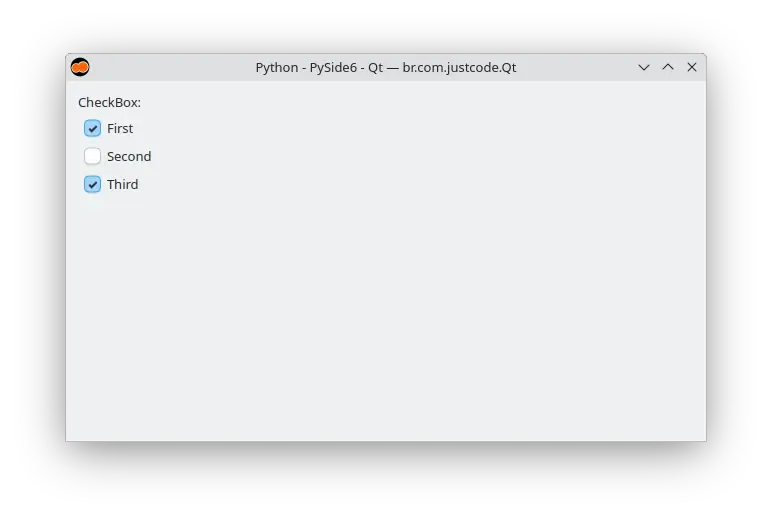
Code:
Check delegate
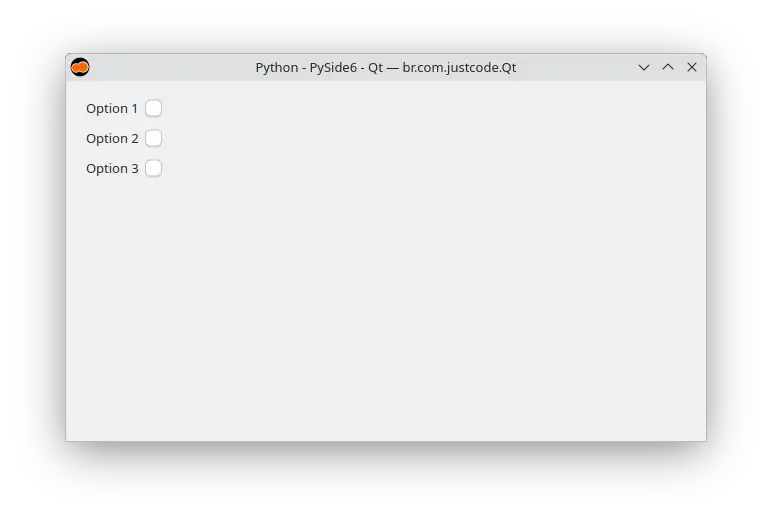
Code:
Color dialog
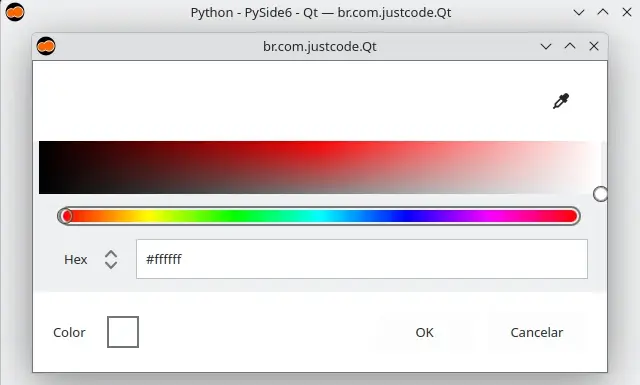
Code:
Column layout
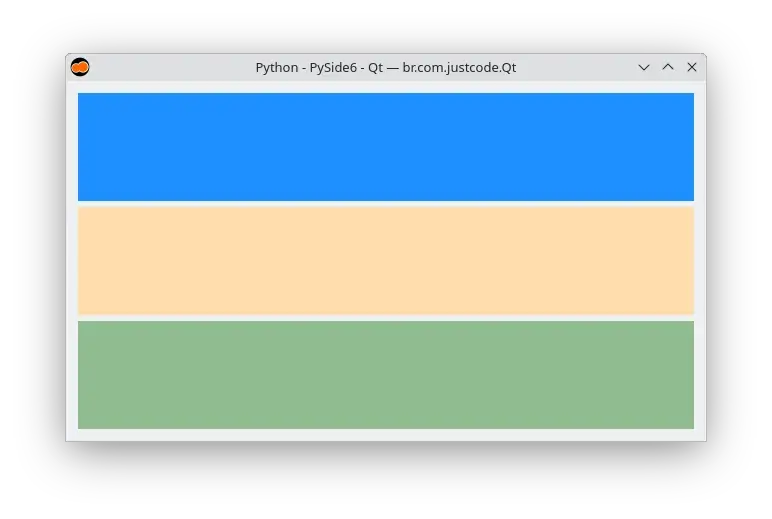
Code:
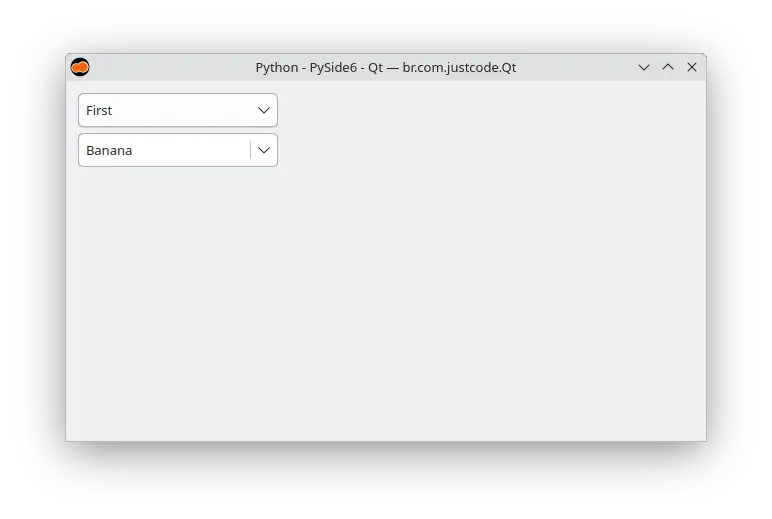
Combo box
Code:
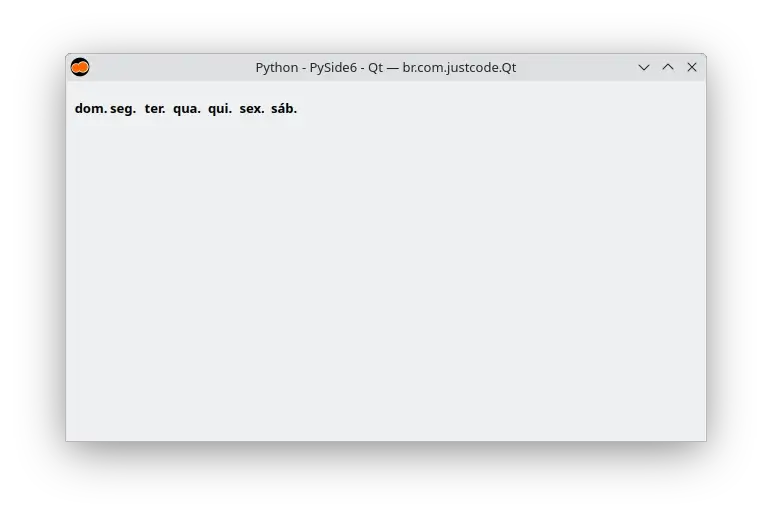
Day of week row
Code:
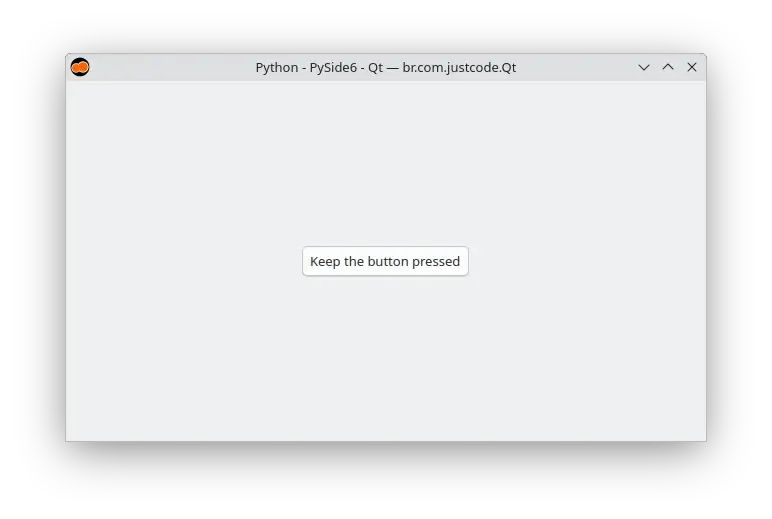
Delay button
Code:
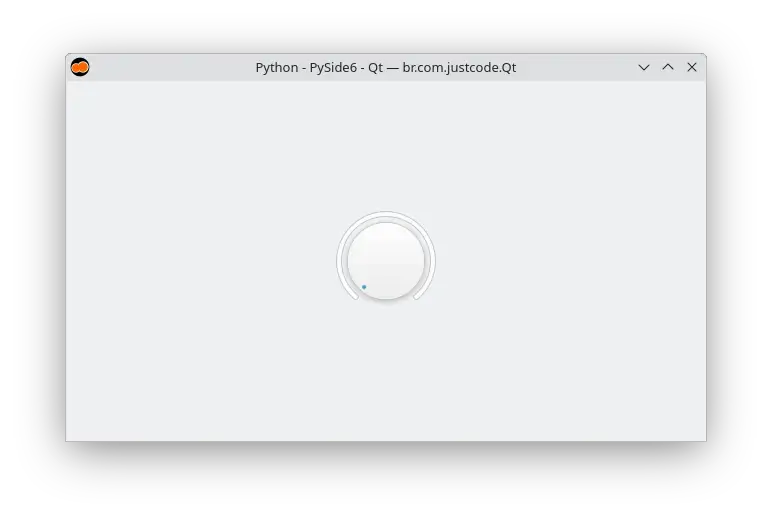
Dial
Code:
Dialog
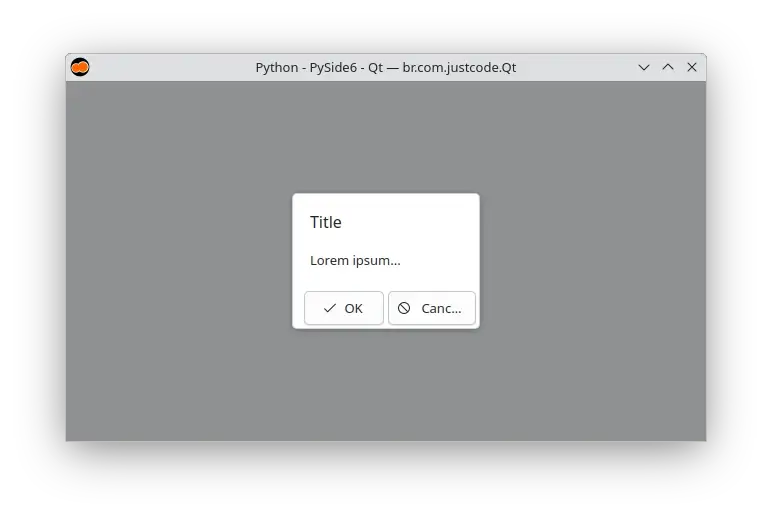
Code:
Drawer
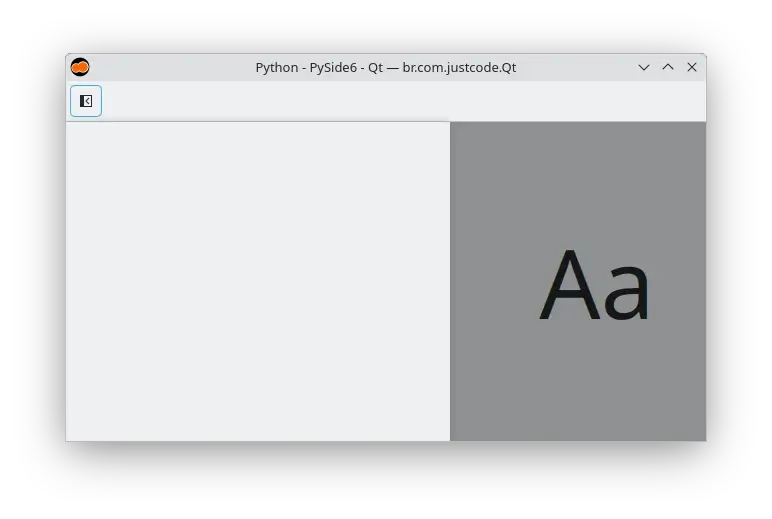
Code:
File dialog
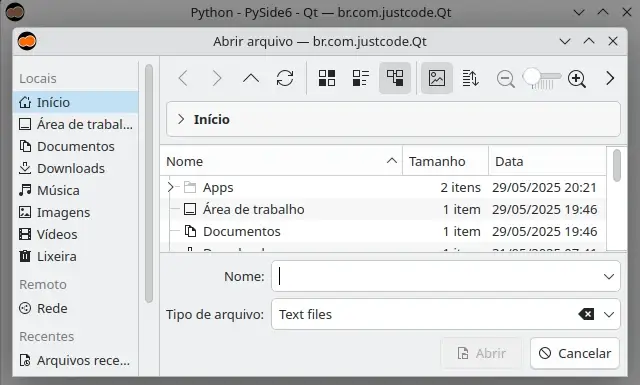
Code:
Folder dialog
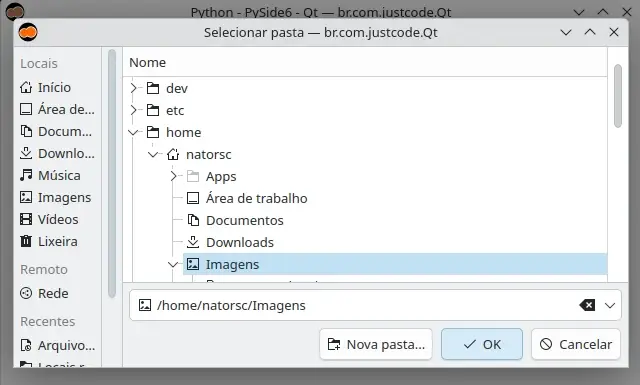
Code:
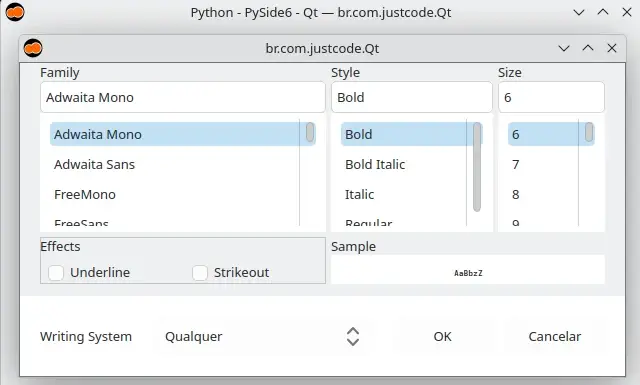
Font dialog
Code:
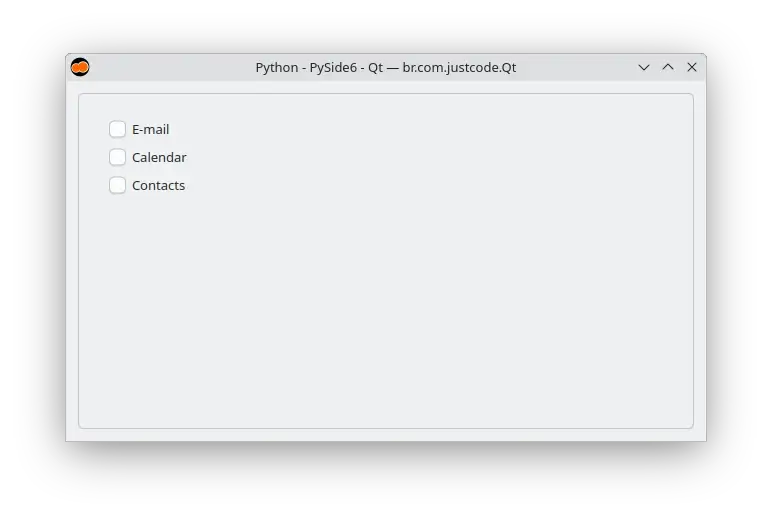
Frame
Code:
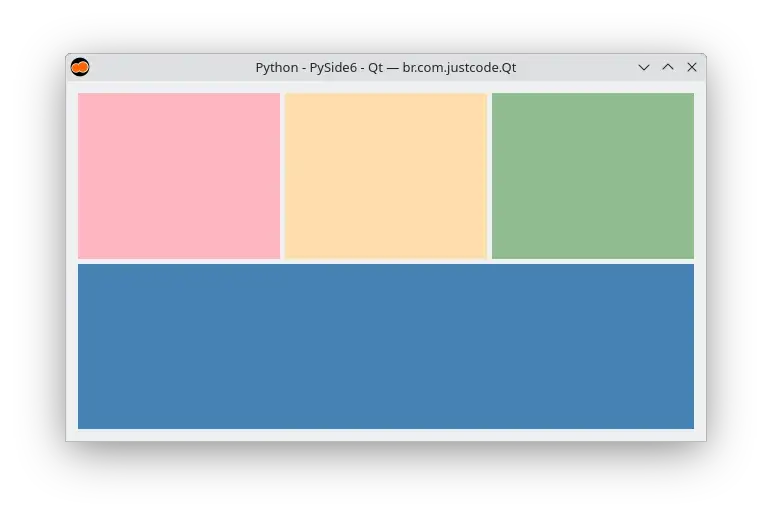
Grid Layout
Code:
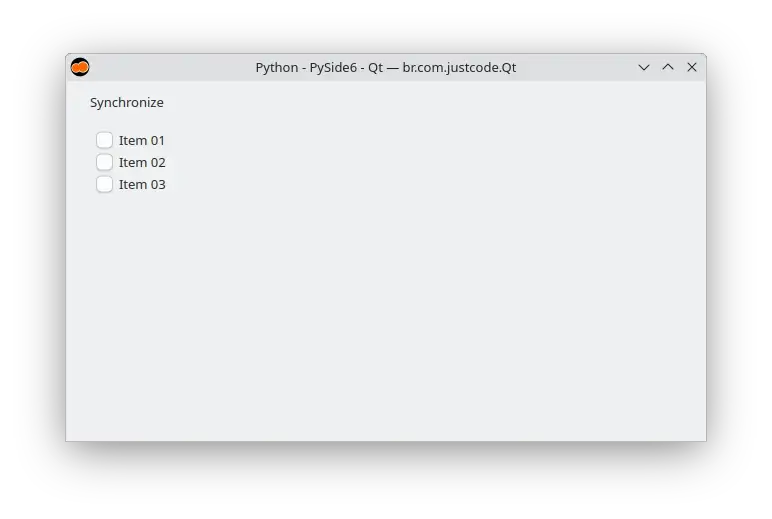
Group box
Code:
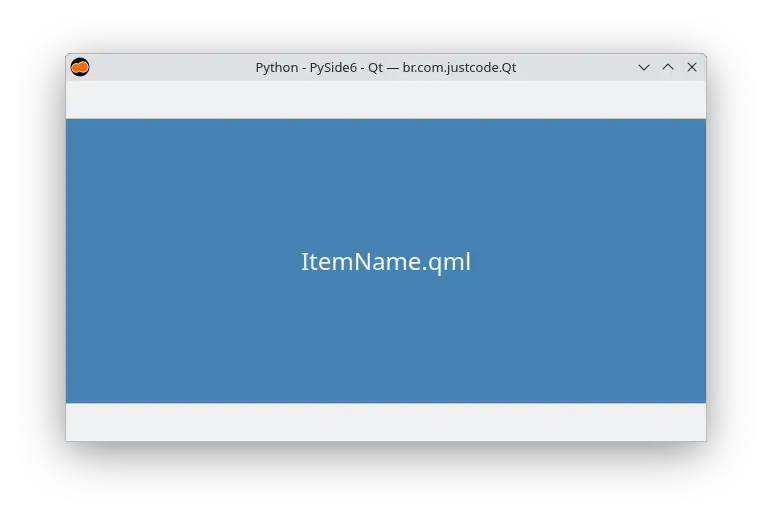
Import QML file
Code:
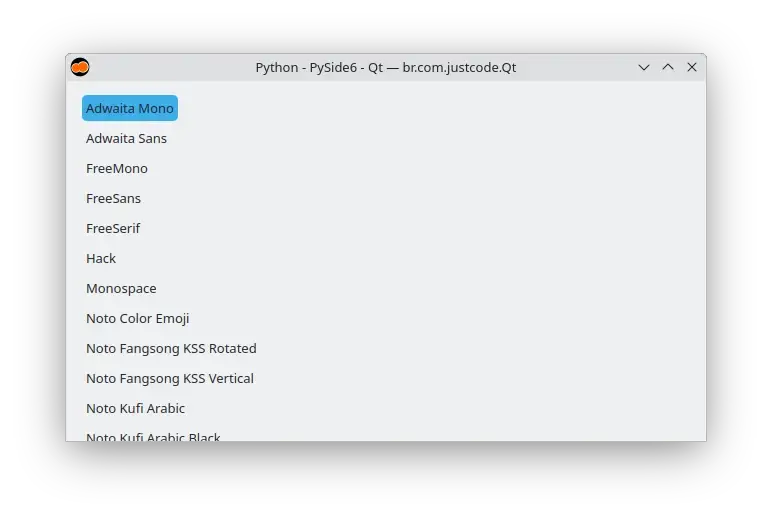
Item delegate
Code:
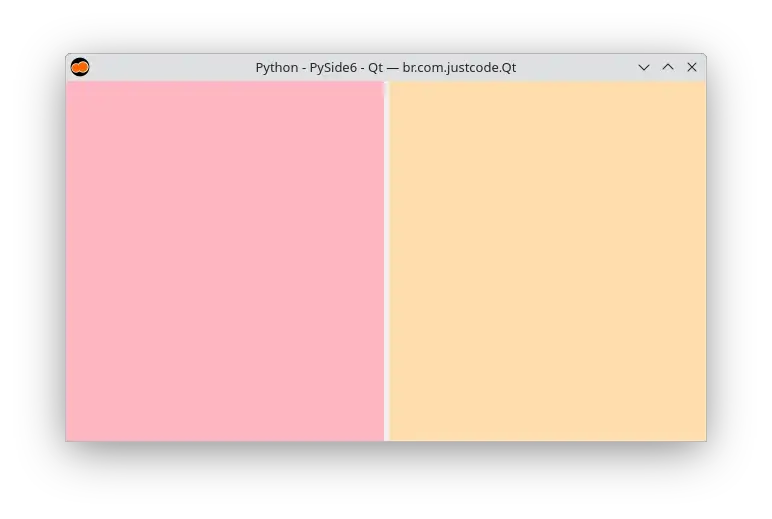
Layout item proxy
Code:
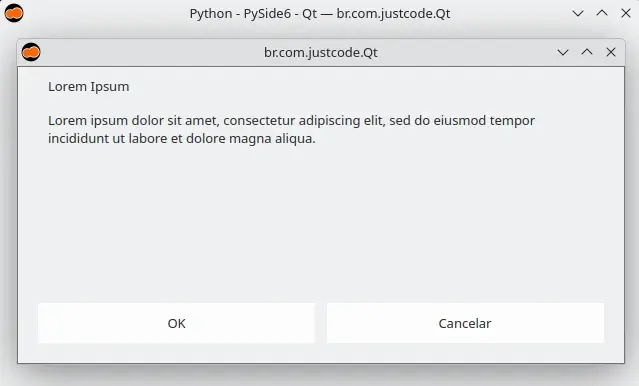
Message dialog
Code:
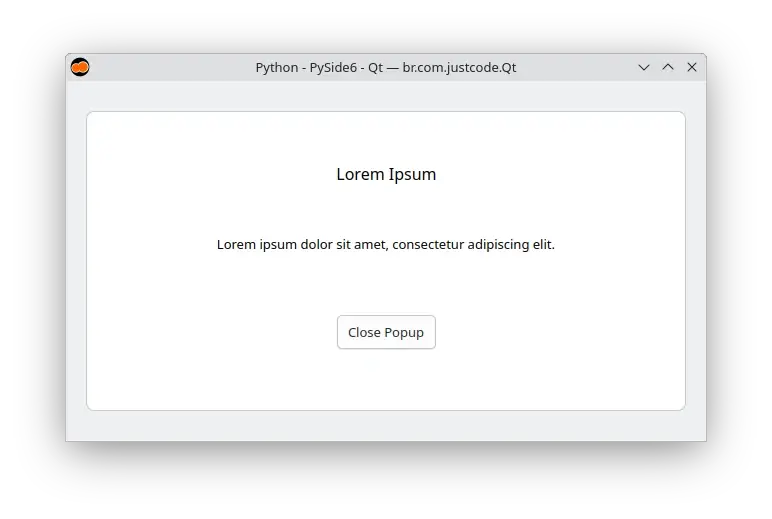
Overlay
Code:
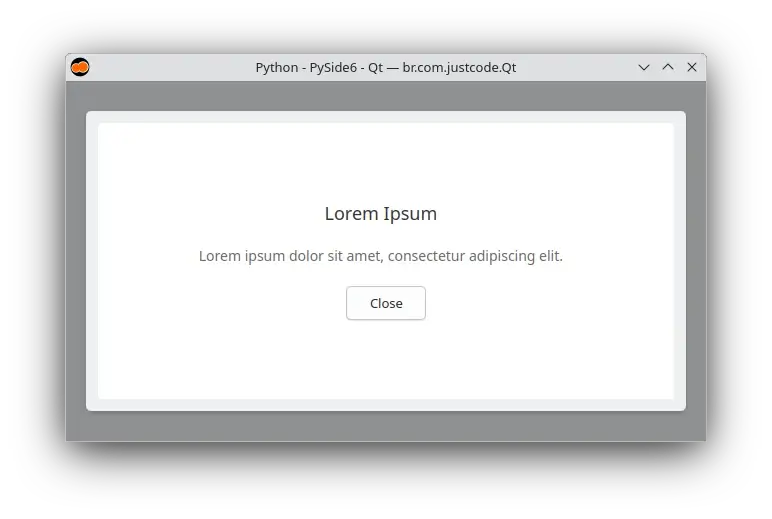
Popup
Code:
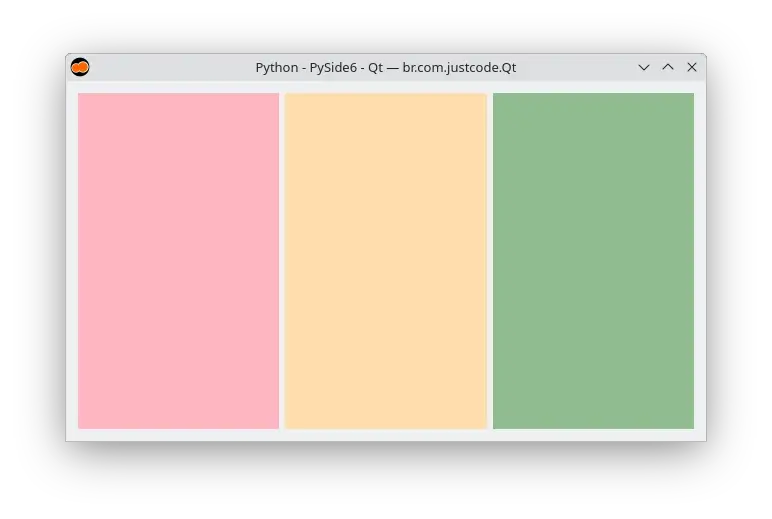
Row layout
Code:
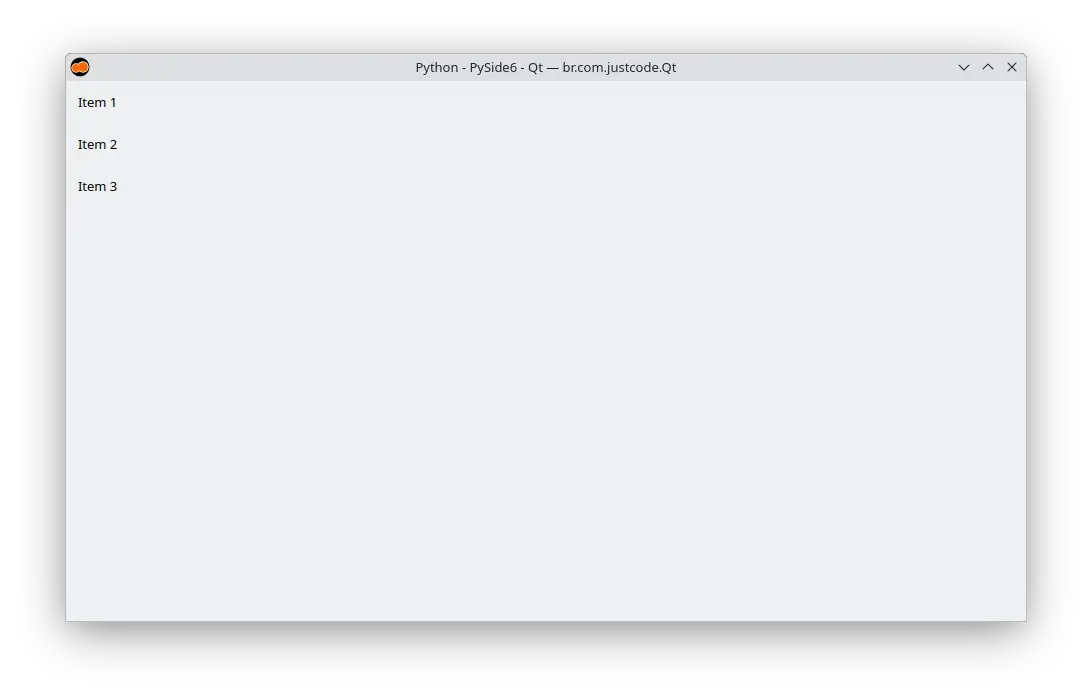
Set initial properties
Todo
Code:
Stack layout
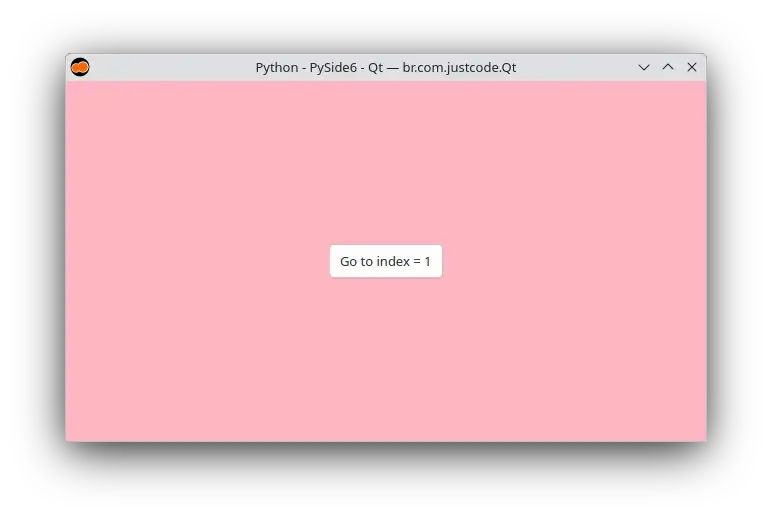
Code:
Text field
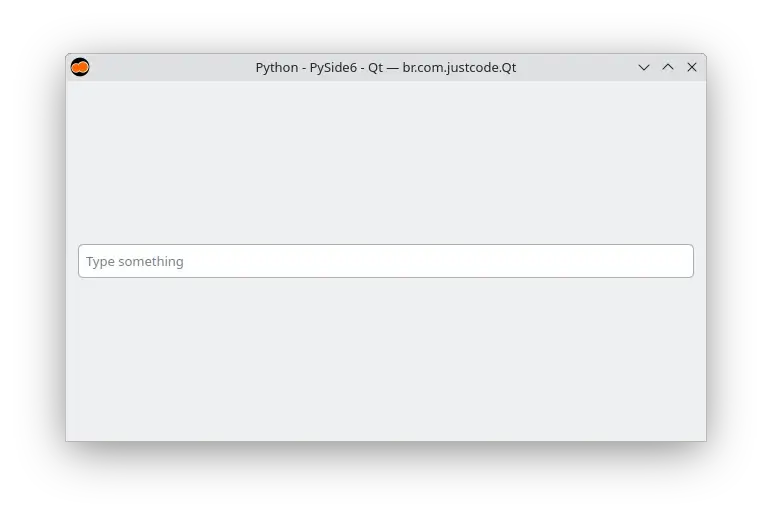
Code:
Text input
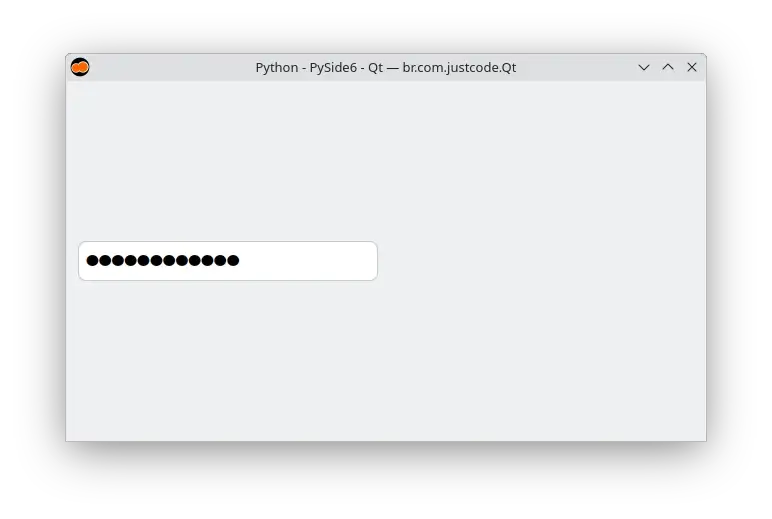
Code:
Translation
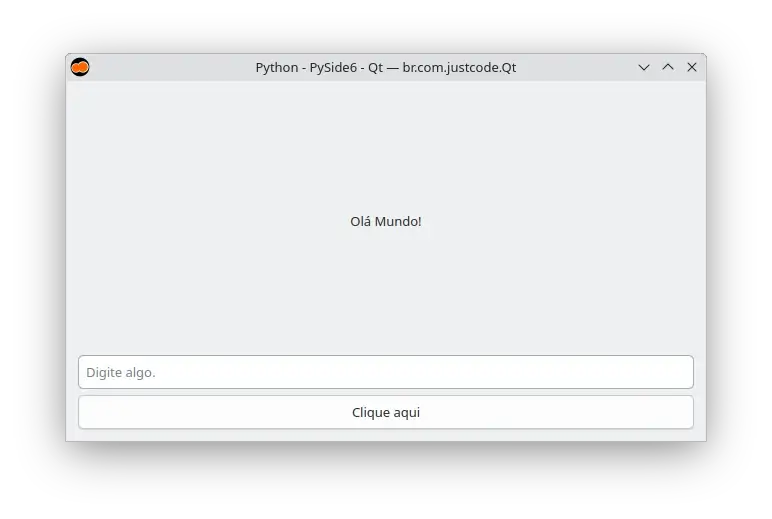
Code:
Tree view
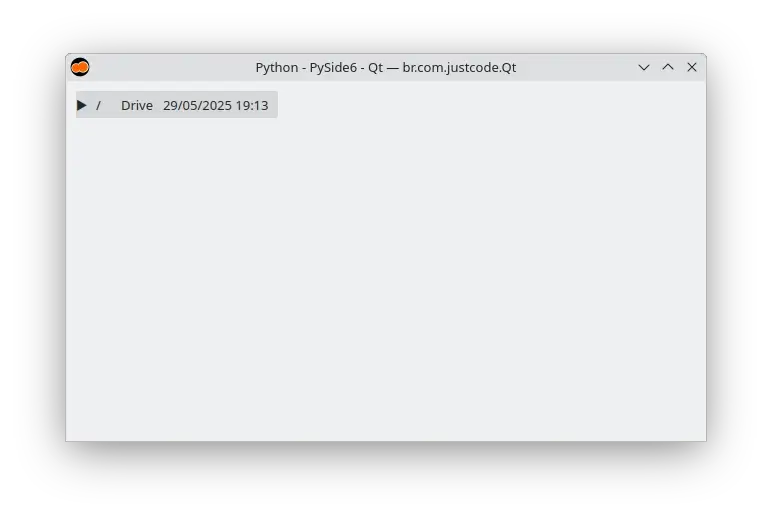
Code:
Qt widgets
QApplication
Code:
QBoxLayout
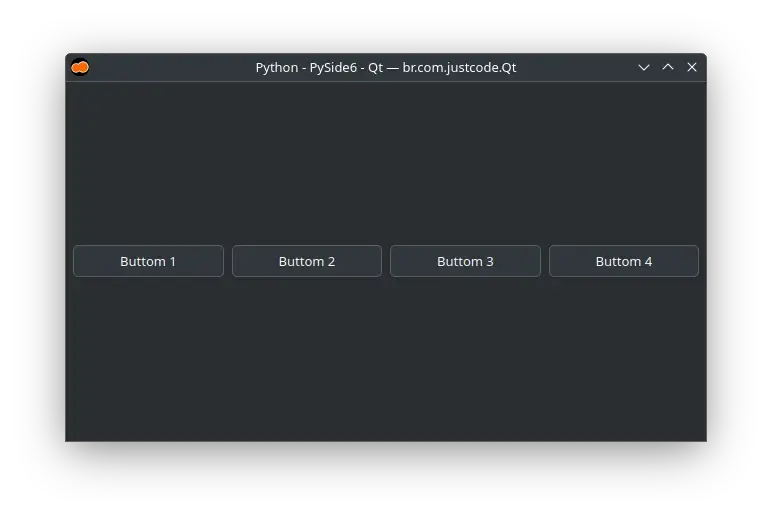
Code:
QButtonGroup
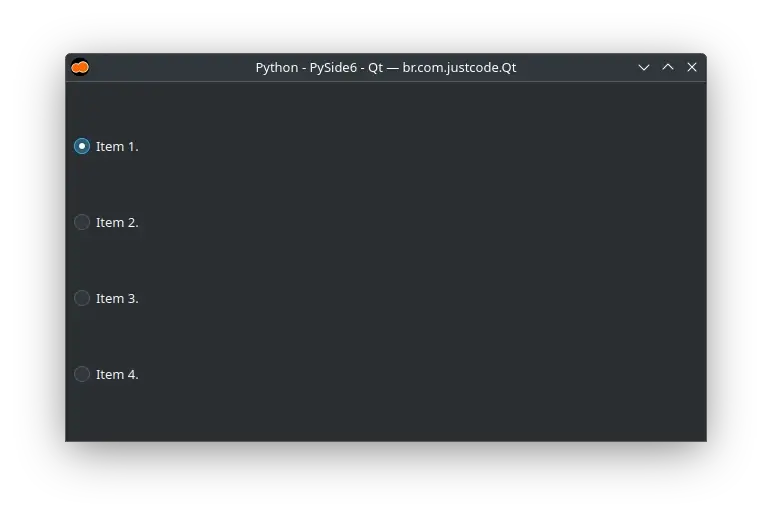
Code:
QCalendarWidget
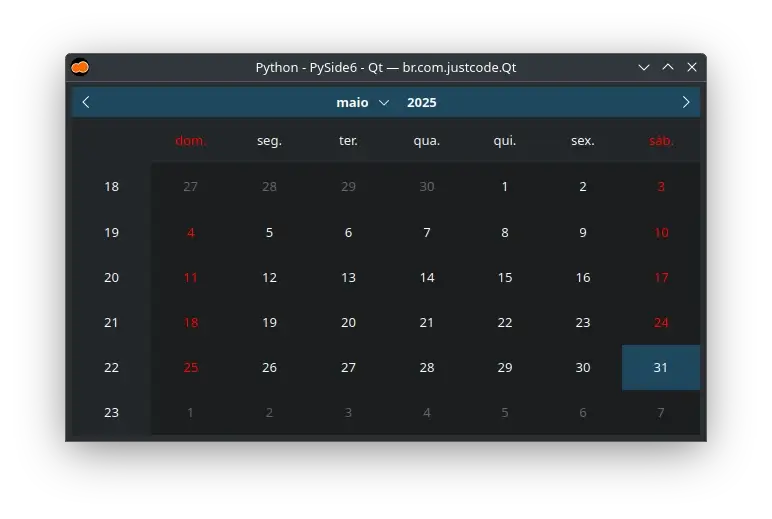
Code:
QCheckBox
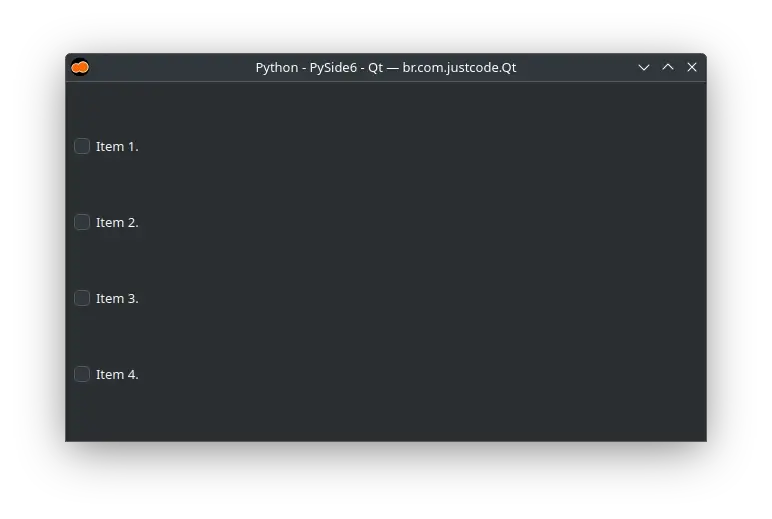
Code:
QColorDialog
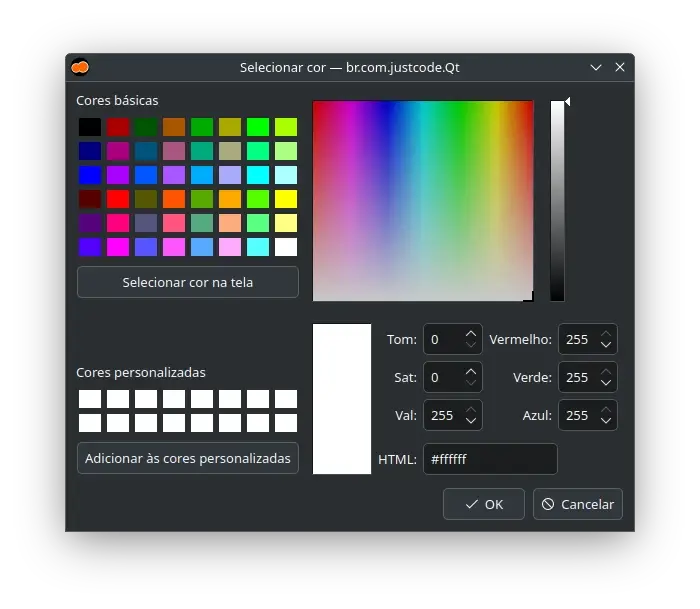
Code:
QColumnView
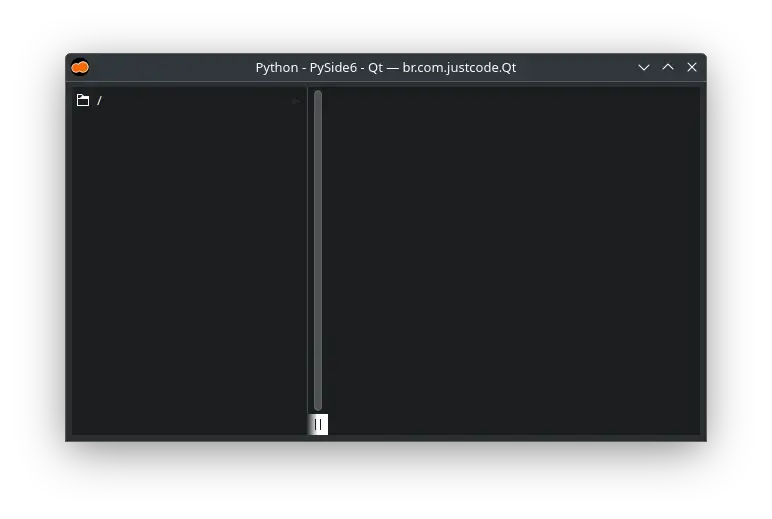
Code:
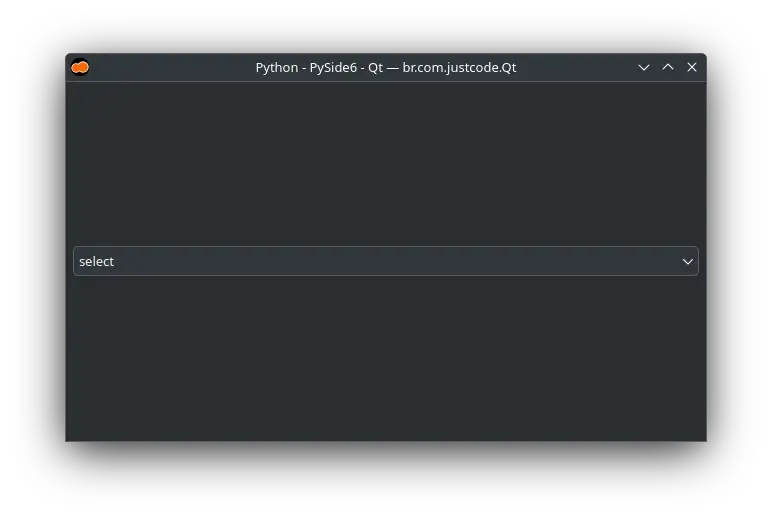
QComboBox
Code:
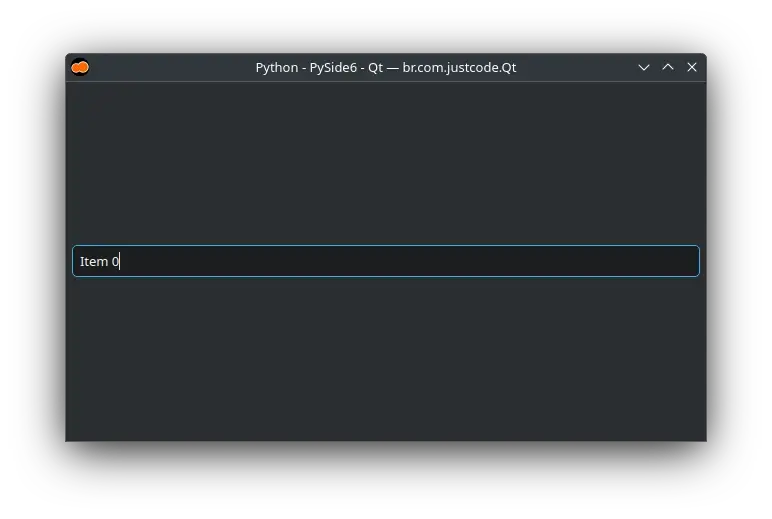
QCompleter
Code:
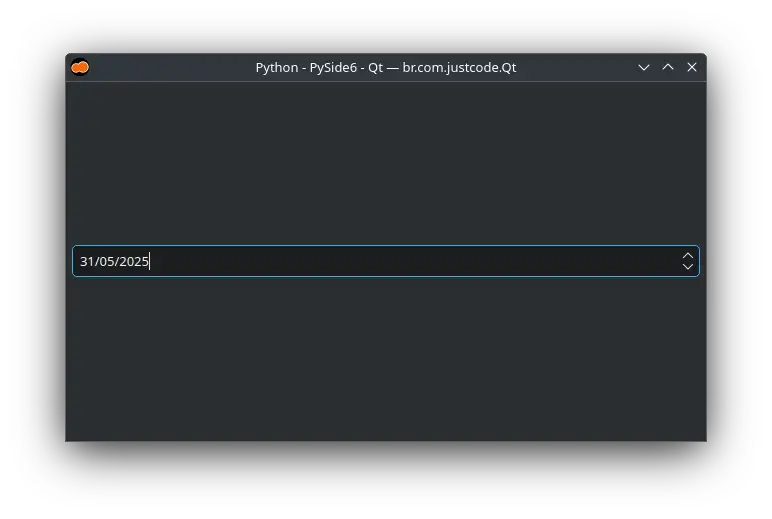
QDateEdit
Code:
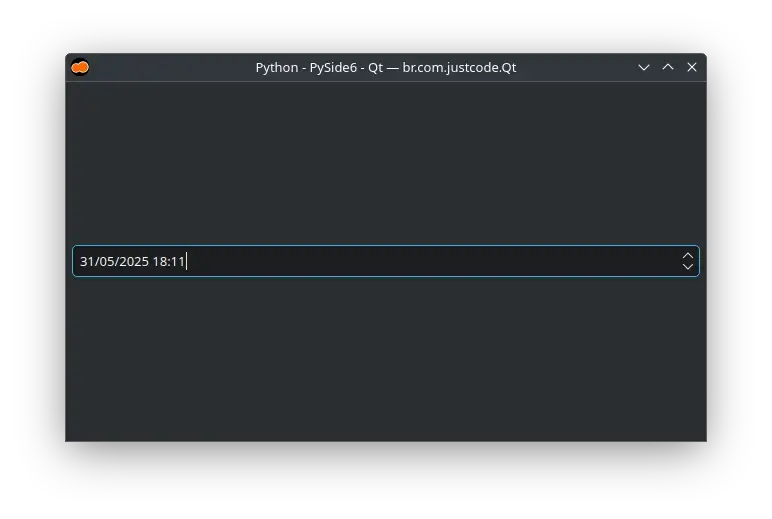
QDateTimeEdit
Code:
QDial
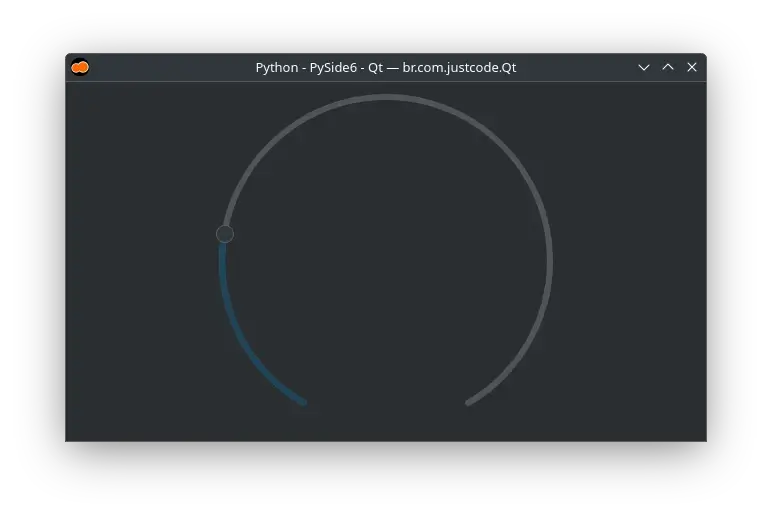
Code:
QDialog
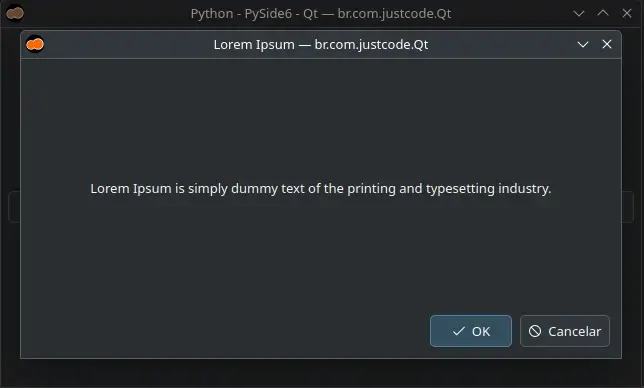
Code:
QDialogButtonBox
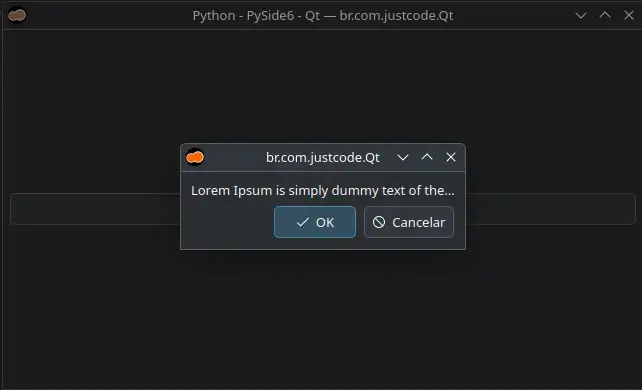
Code:
QDockWidget
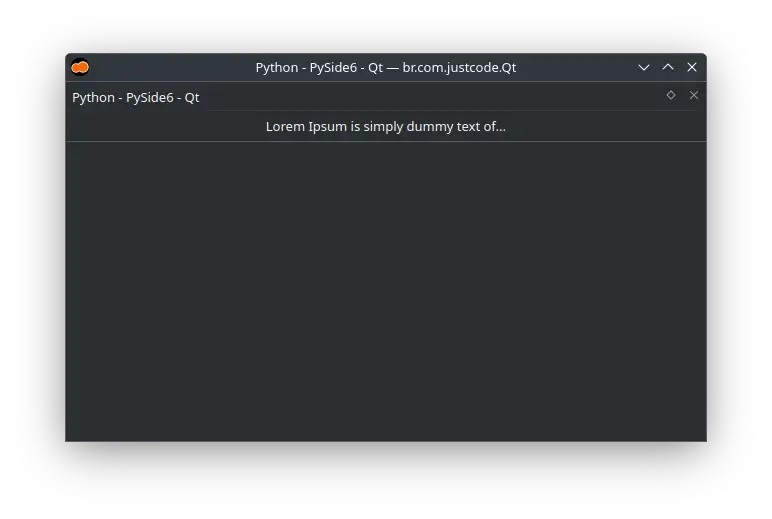
Code:
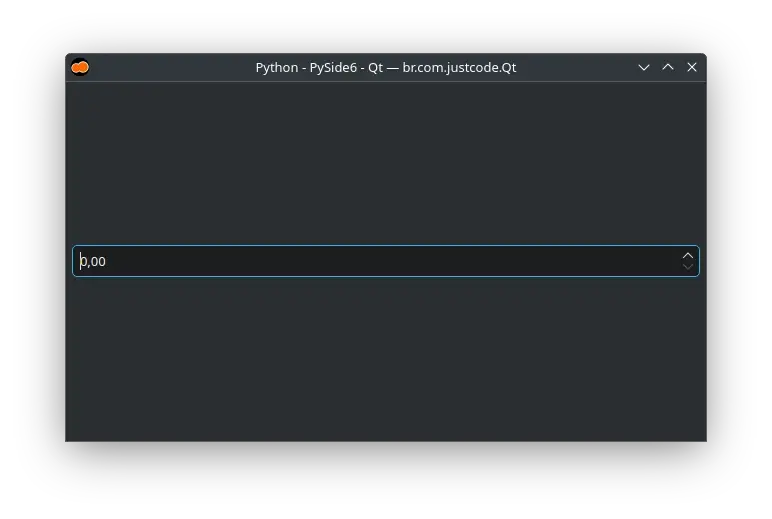
QDoubleSpinBox
Code:
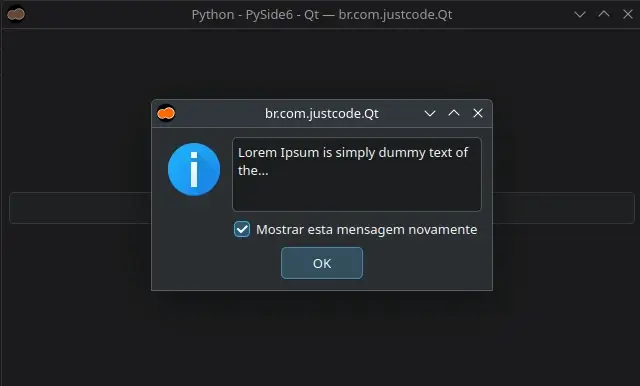
QErrorMessage
Code:
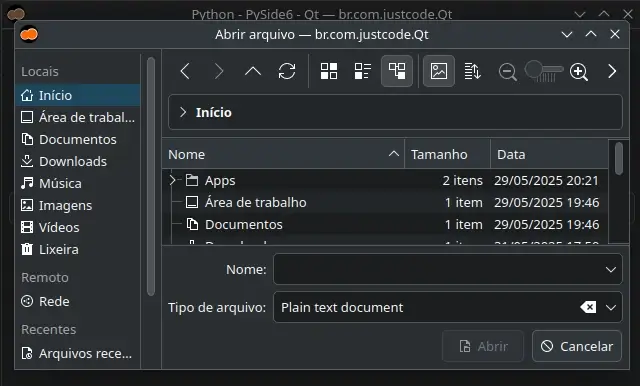
QFileDialog
Code:
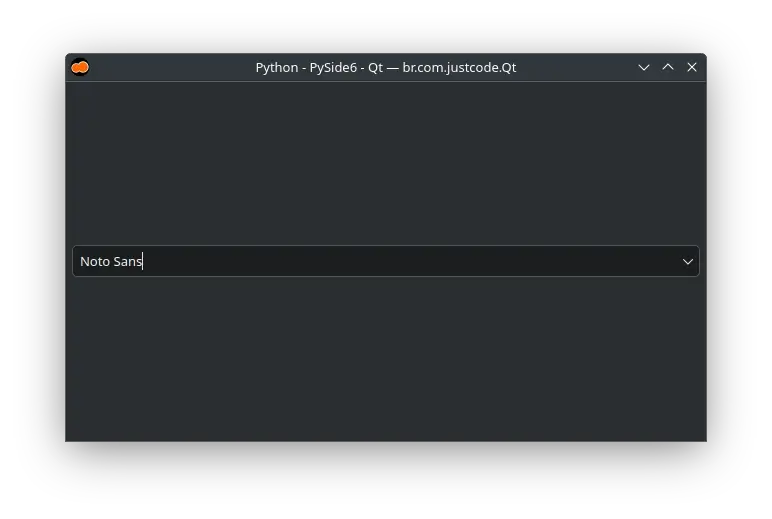
QFontComboBox
Code:
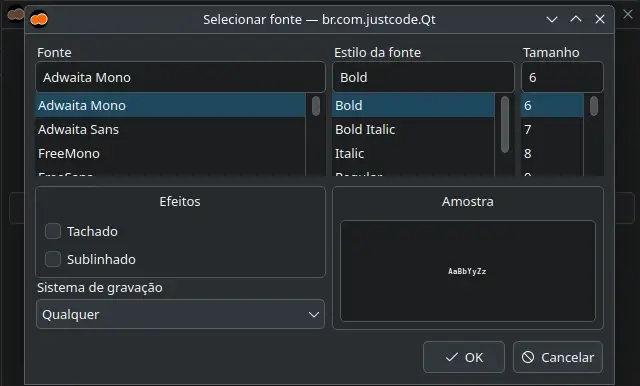
QFontDialog
Code:
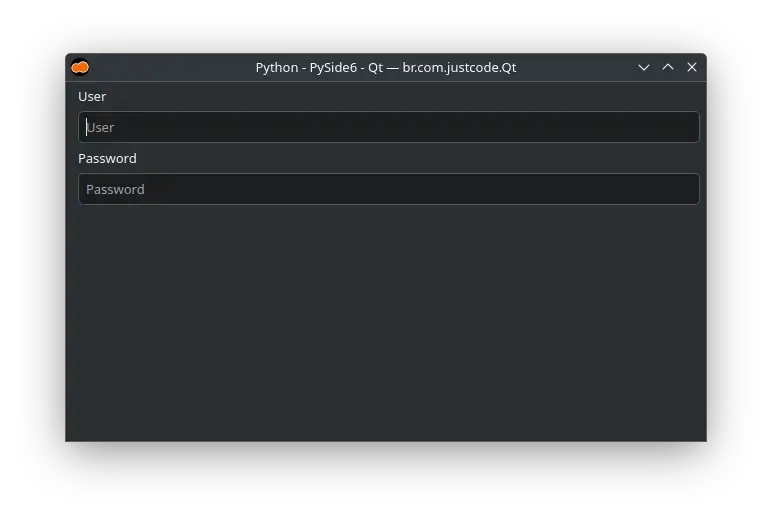
QFormLayout
Code:
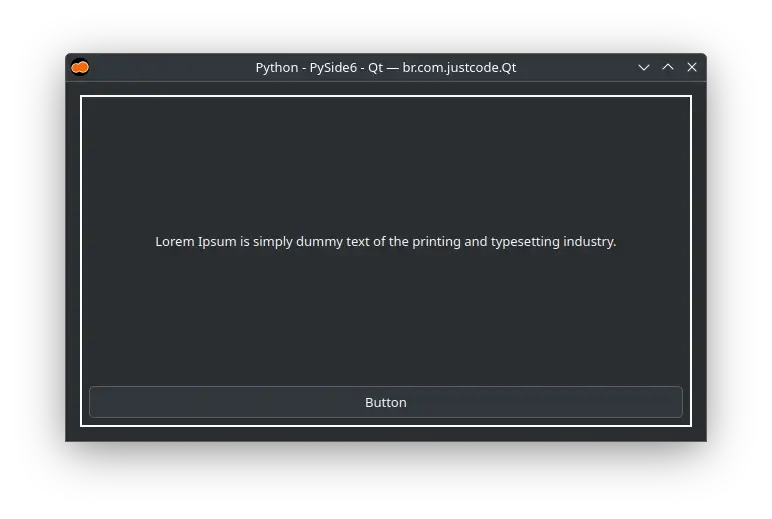
QFrame
Code:
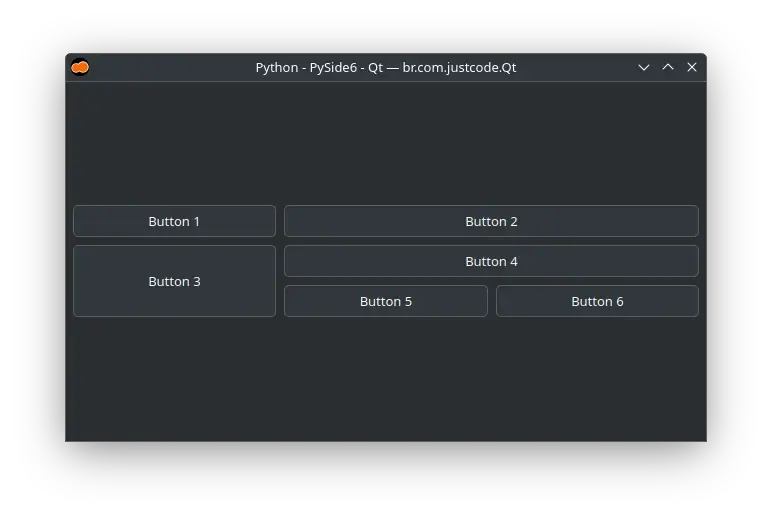
QGridLayout
Code:
QGroupBox
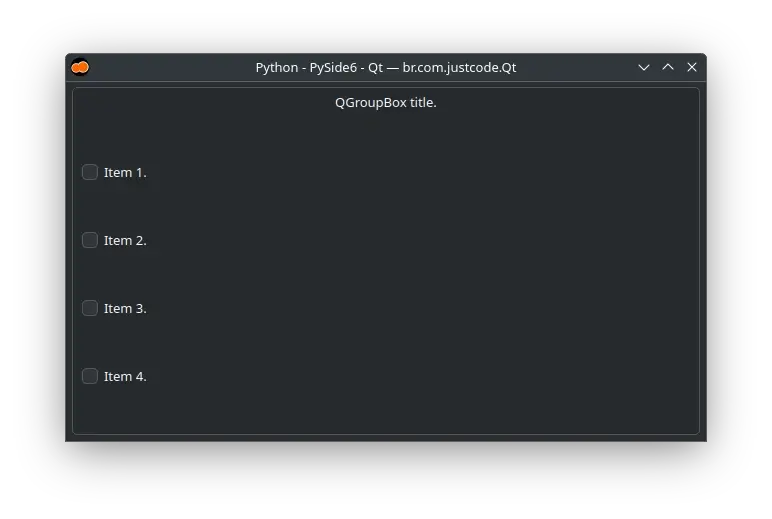
Code:
QHBoxLayout
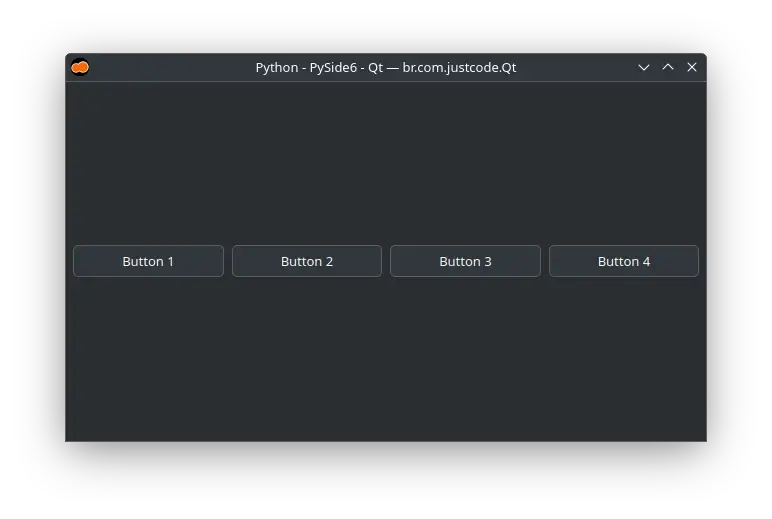
Code:
QInputDialog
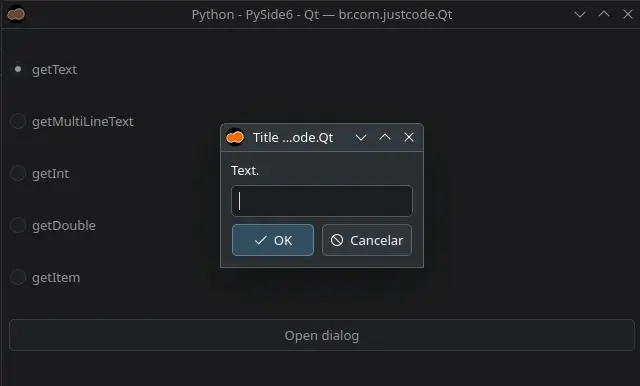
Code:
QLabel
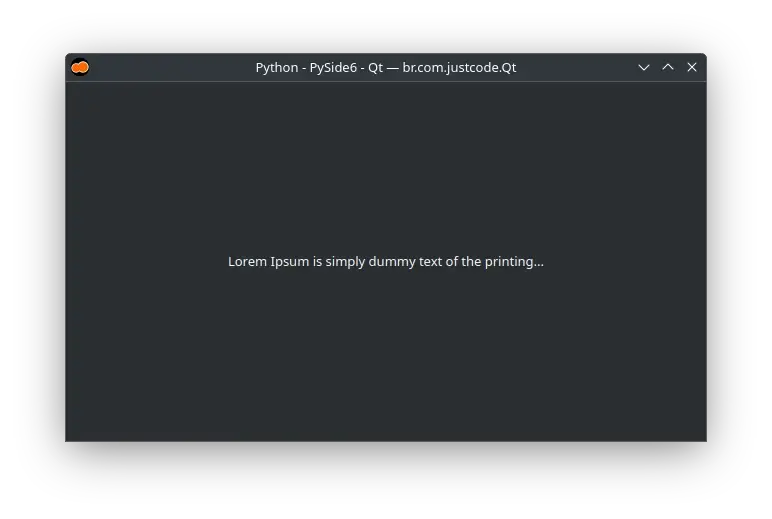
Code:
QLCDNumber
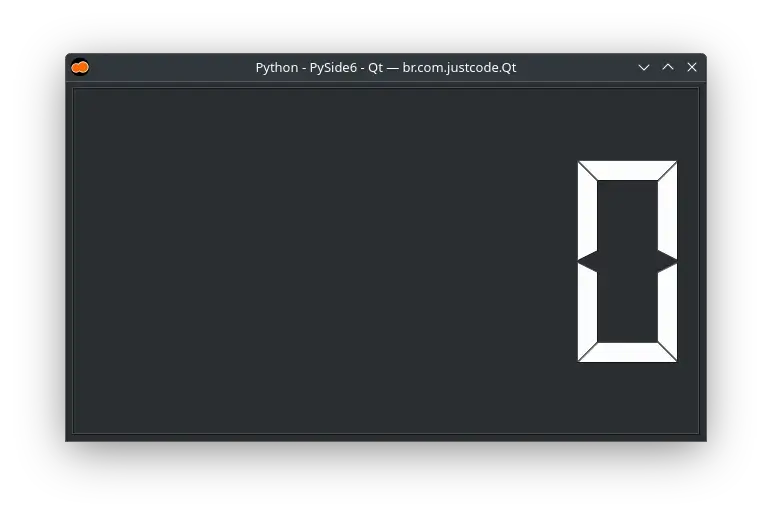
Code:
QLineEdit
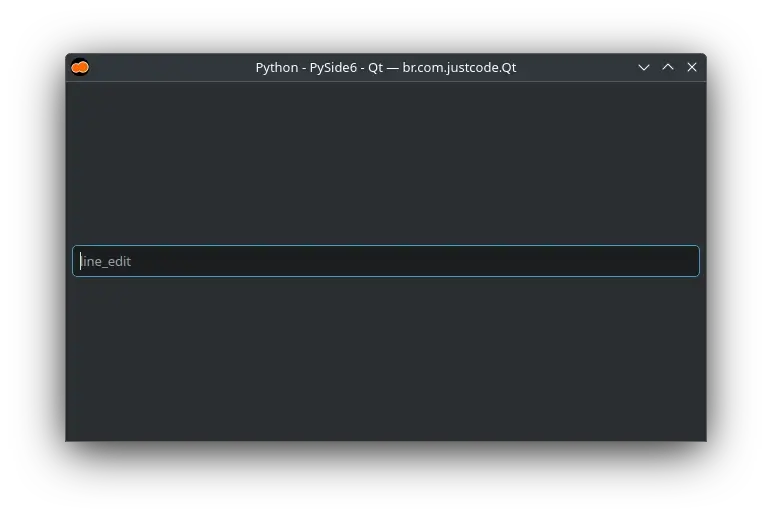
Code:
QListView
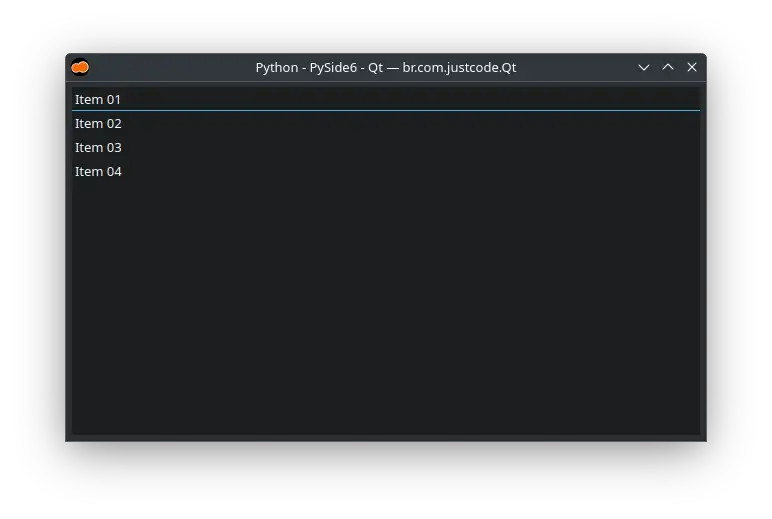
Code:
QListWidget
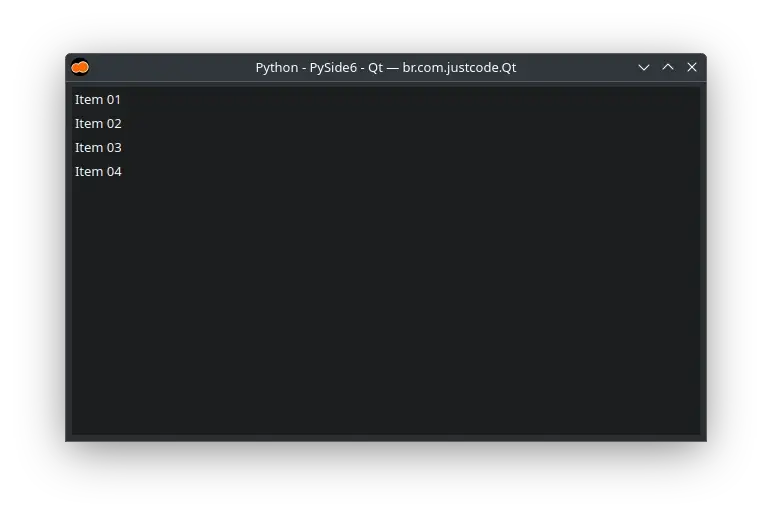
Code:
QMainWindow
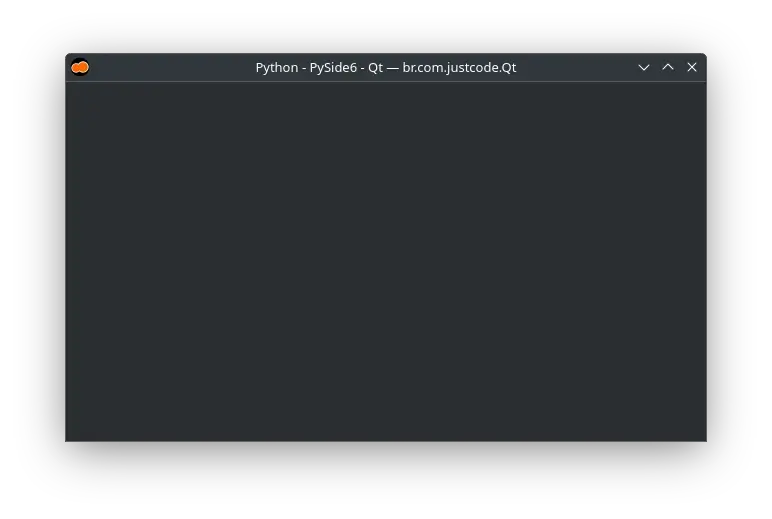
Code:
QSystemTrayIcon
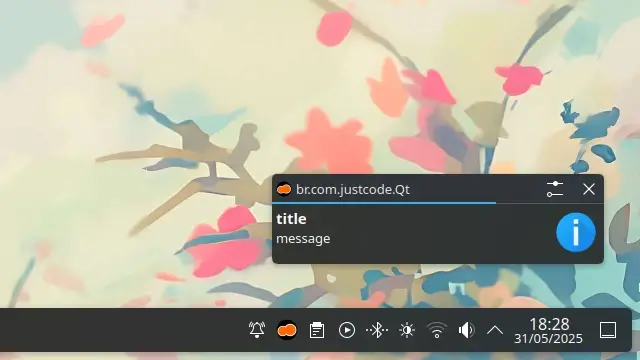
Code: