How to Set Up the Blueprint Markup Language in Gnome Builder
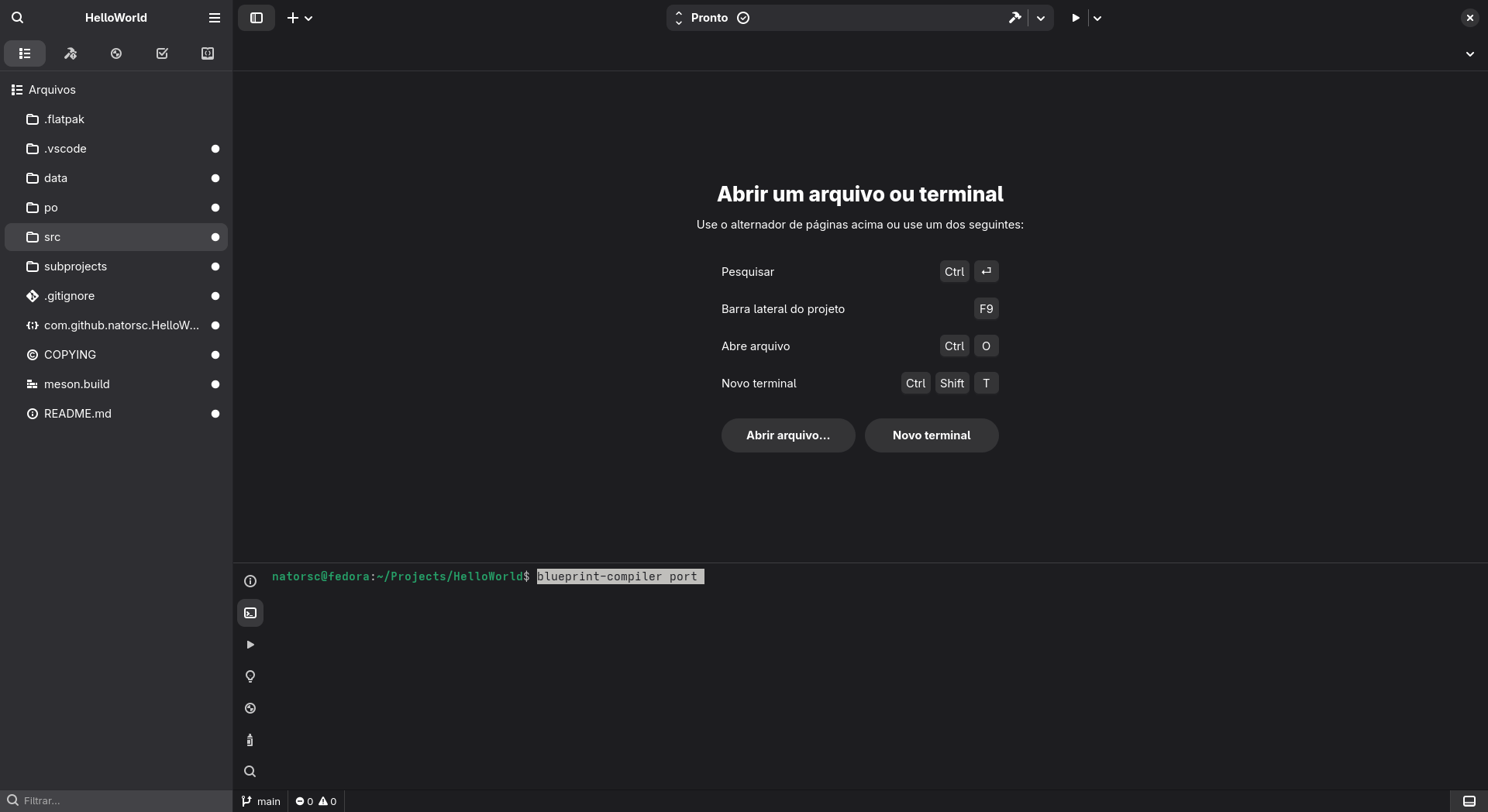
Open the Gnome Builder terminal at the root of your project and run the command blueprint-compiler port:
In the ./src/meson.build file, create the variable blueprints:
blueprints = custom_target('blueprints',
  input: files(
    'shortcuts-dialog.blp',
    'window.blp',
  ),
  output: '.',
  command: [find_program('blueprint-compiler'), 'batch-compile', '@OUTPUT@', '@CURRENT_SOURCE_DIR@', '@INPUT@'],
)
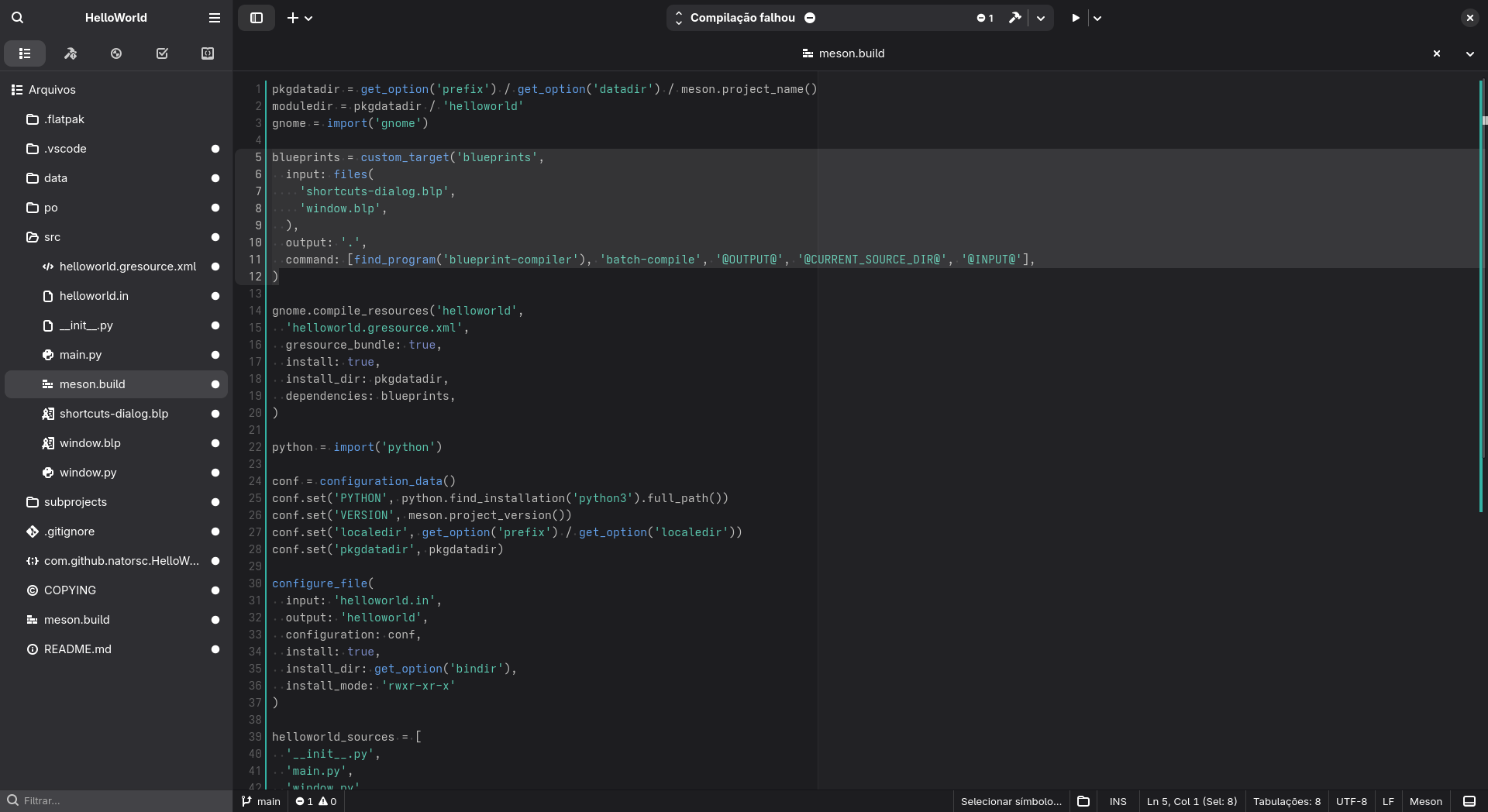
After completing this configuration, save the file and press Enter in the terminal to continue the setup process.
Now, in the gnome.compile_resources() variable, add dependencies: blueprints:
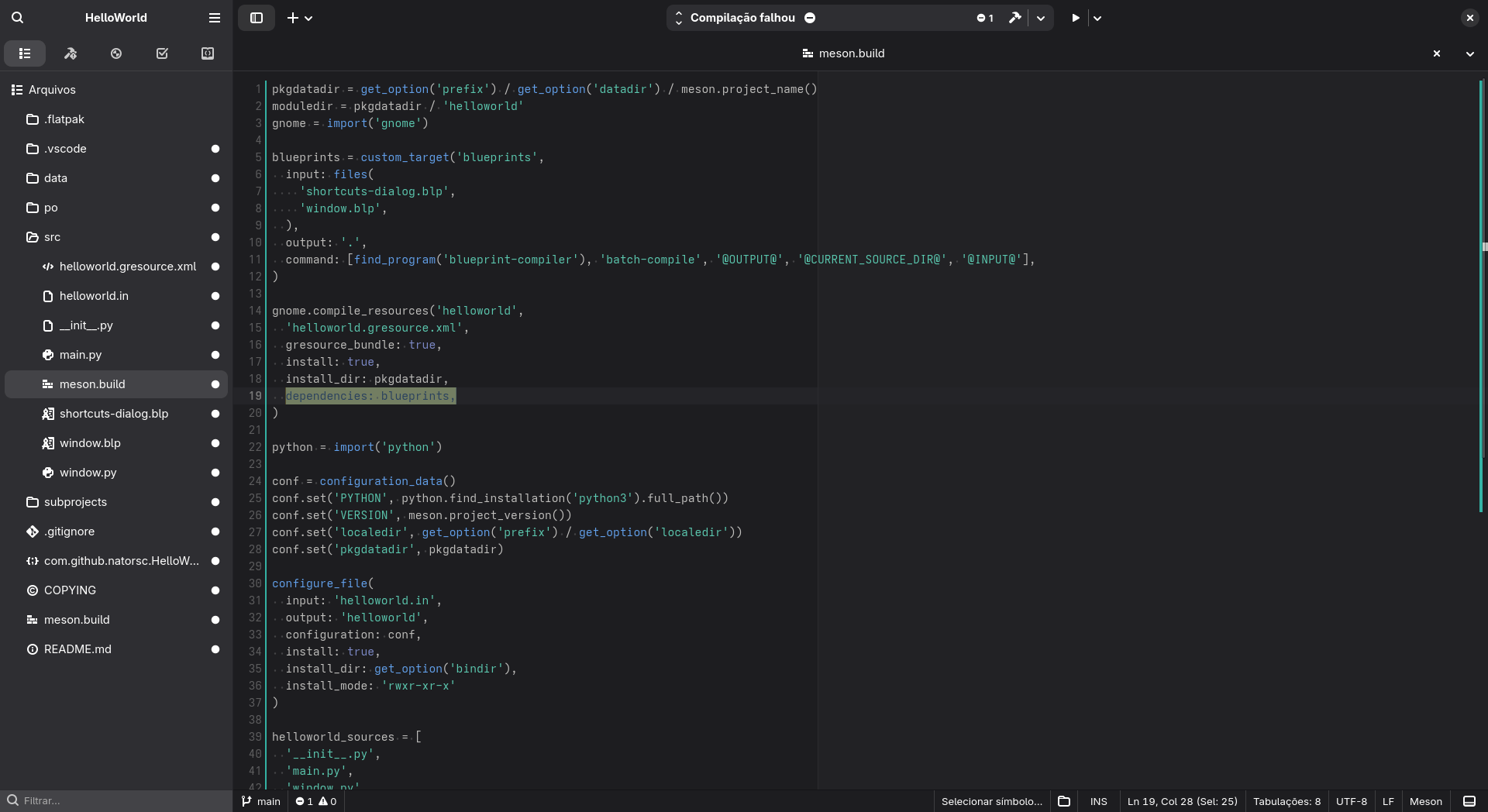
Again, save the file and press Enter in the terminal.
For the next steps, review what’s displayed in the terminal and proceed according to your project’s needs: